Professional Car Background Remover: Transform Your Automotive Images Instantly
Turn ordinary car photos into stunning professional images with our specialized background removal tool. Whether you're a dealership showcasing inventory, a car photographer enhancing your portfolio, or selling your vehicle online, our AI-powered technology delivers flawless results in seconds.
Why Choose ClearBackdrop for Cars?
Powerful features designed specifically for automotive photography
Create transparent backgrounds for car listings that stand out on marketplaces
Easily place vehicles on custom backgrounds for professional marketing materials
Remove distracting elements to highlight your car's best features
Batch process hundreds of vehicle images to save hours of editing time
Compatible with all vehicle types from luxury sports cars to commercial trucks
See the Magic in Action
Real car images transformed instantly. Hover to reveal the background-removed version.
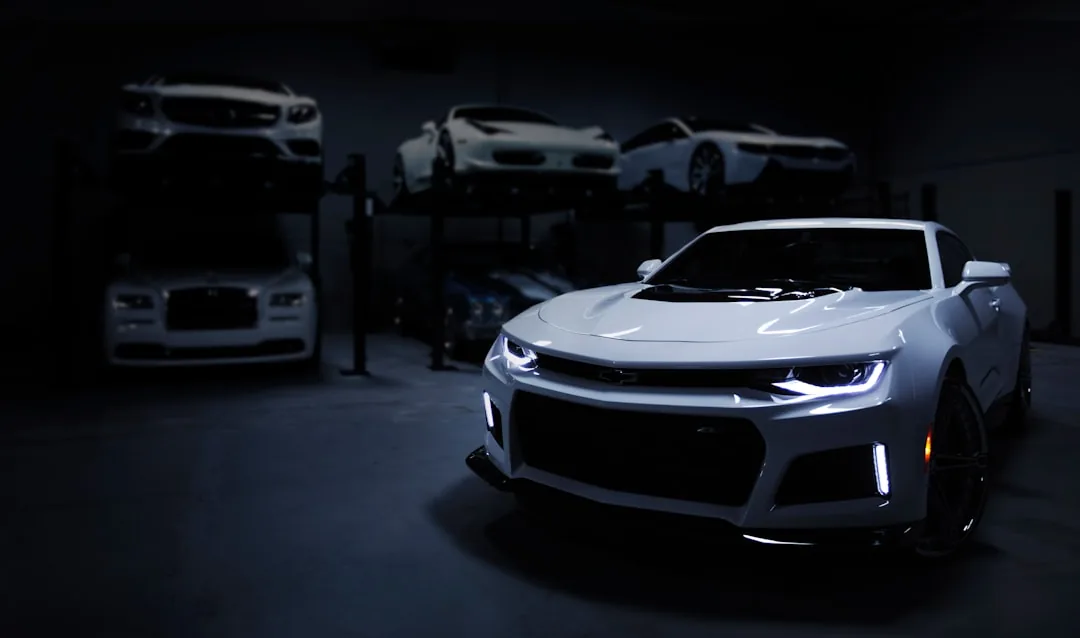
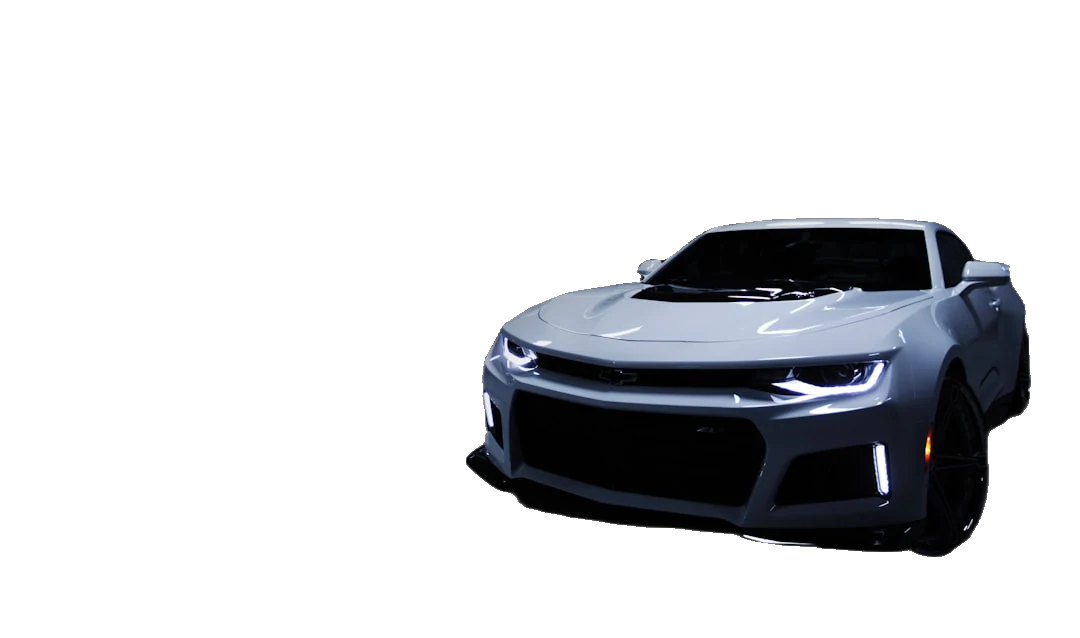
Photo by Peter Broomfield on Unsplash
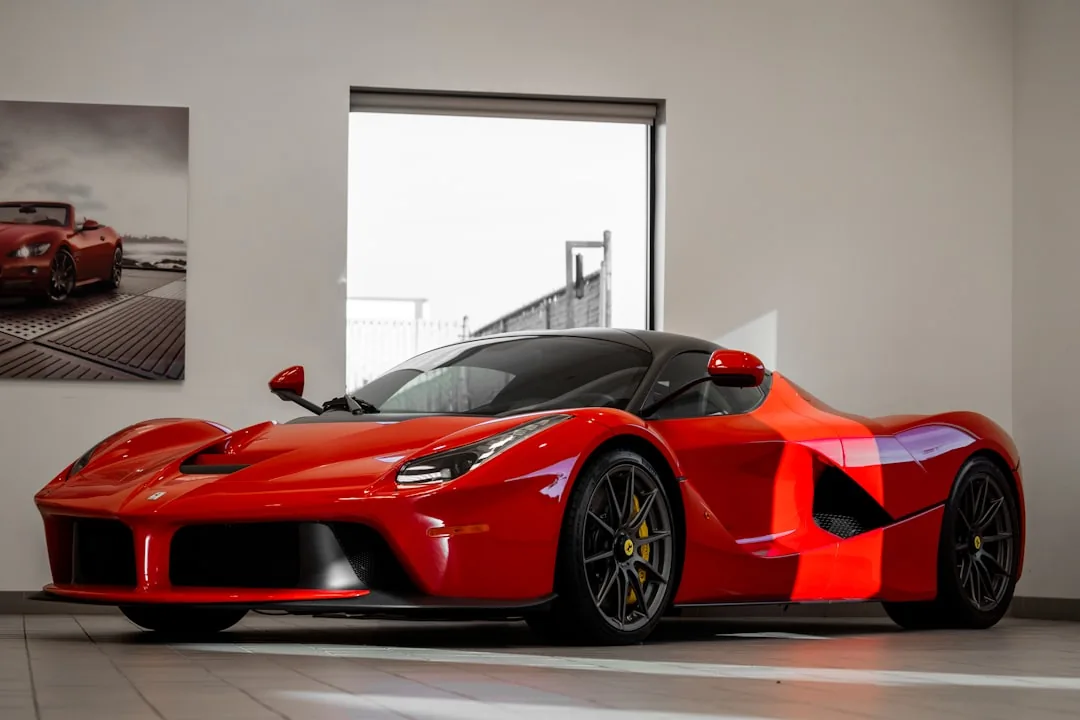
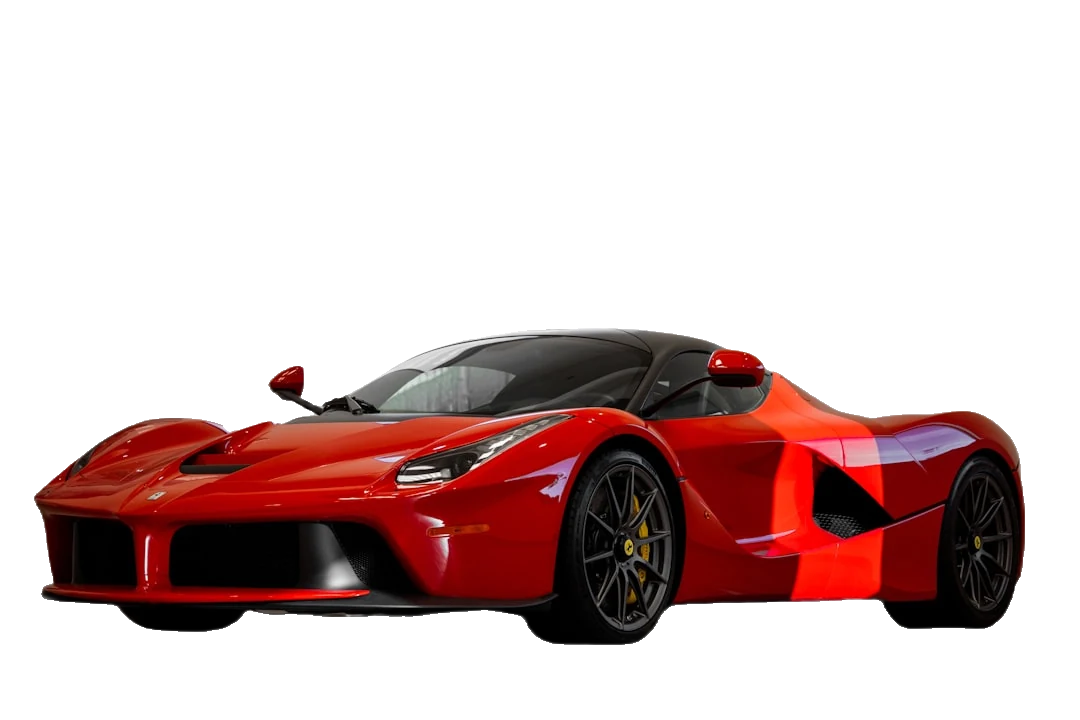
Photo by Joshua Koblin on Unsplash
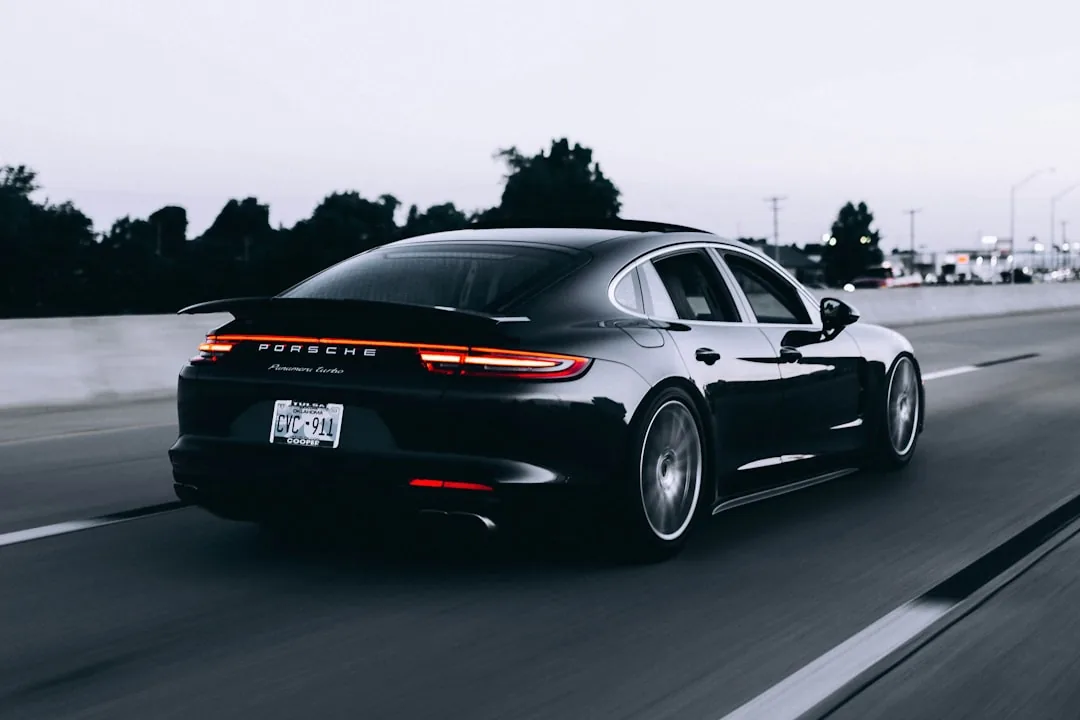
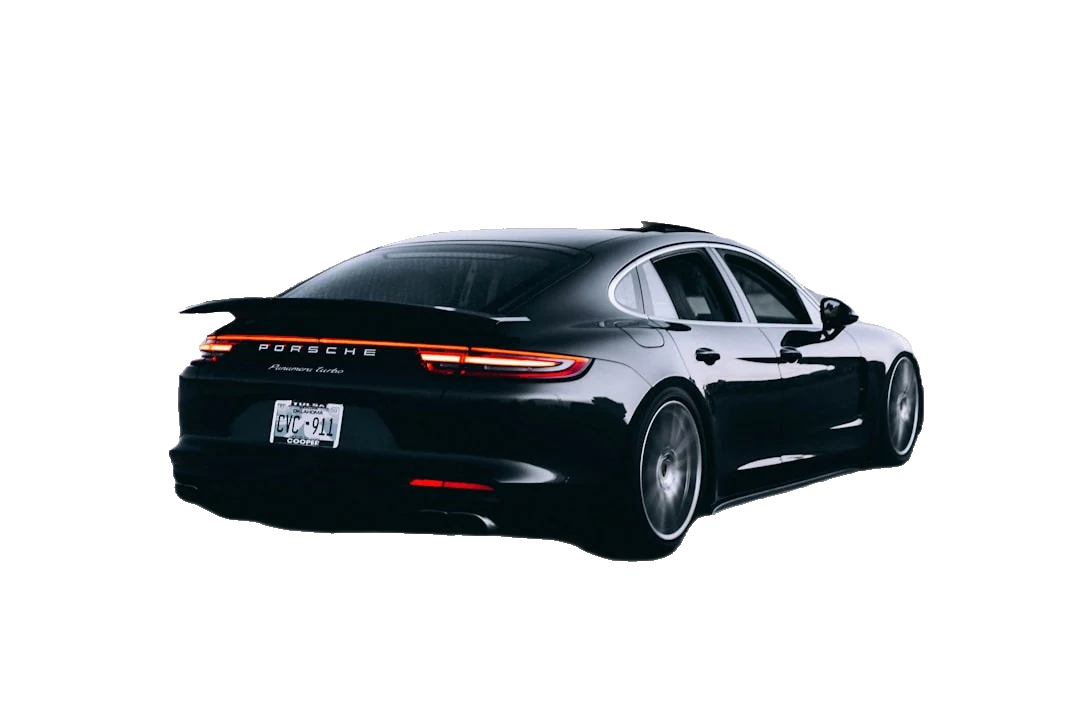
Photo by Campbell on Unsplash
Why Professionals Love ClearBackdrop
""I used to spend at least 20 minutes in Photoshop removing backgrounds from each car photo for our dealership website. This tool does it perfectly in seconds with better edge detection than I could achieve manually. It's completely transformed our workflow and the quality of our online listings.""
- Mike Hernandez, Digital Marketing Manager at Westside Auto Group
How to Remove a Car's Background in 3 Steps
No Photoshop, no masking tools, no learning curve. Car background removal that takes seconds, not an afternoon.
Upload your car shot
Drag in a JPG, PNG, or WebP straight from your phone or DSLR — a driveway snapshot, a forecourt photo, or a studio frame. Side profiles, three-quarter angles, and interior shots all work.
Let the AI cut it out
Our model traces the vehicle outline automatically — following the curve of the roofline, the gaps in alloy wheel spokes, and the edge of wing mirrors — and lifts the car onto a clean transparent layer.
Download or restyle
Save the cut-out as a transparent PNG, drop a crisp white backdrop behind it for inventory, or swap in a showroom floor or scenic road. Then publish straight to your listing.
Built for the Way Cars Actually Sell
Generic cut-out tools choke on chrome, glass, and shadow. Automotive background removal needs to respect the metal — here's what that looks like in practice.
Consistent white-background inventory
Shoot every vehicle in a different bay, lot, or weather and still publish a uniform set of clean white-background stock shots. A consistent gallery makes your whole inventory look professionally photographed, even when it wasn't.
List vehicles faster
A car that's photographed in the morning can be live by lunch. Cut out the manual masking step and your turnaround from acquisition to active listing drops from days to hours — which means less floor-plan interest and faster sell-through.
Meet marketplace photo rules
Many auto marketplaces and feed providers prefer or require a plain background for the lead image. Removing the cluttered backdrop — stray cars, bins, reflections of you holding the phone — keeps your listings compliant and click-worthy.
Drop in a showroom or studio backdrop
Once the car is on a transparent layer, place it on a polished showroom floor, a seamless studio sweep, or an open coastal road for hero banners and social ads — no expensive location shoot or rented studio required.
Handles reflections, glass, and alloys
The hard parts of a car — mirrored paint, tinted windows, the negative space between wheel spokes, and thin antennae — are exactly where the edge detection focuses, so you don't end up with a halo of old background clinging to the bodywork.
Free, with no watermark to crop out
Run as many cars through it as your lot needs without a per-image bill or a logo stamped across the bumper. What you download is the clean cut-out, ready to publish.
Who Uses Car Background Removal
From single private sales to full-lot inventory feeds, the same tool fits every seller.
Dealerships
Standardize a whole forecourt of stock into uniform white-background listings for your VDP pages and syndicated feeds.
Private sellers
Clean up a driveway photo for Craigslist, Facebook Marketplace, or eBay Motors so your car — not your garage — is what buyers see.
Auto marketplaces
Offer sellers a built-in cleanup step so every uploaded listing meets your image standard and the catalog looks cohesive.
Detailers & photographers
Show before-and-after detailing work or deliver portfolio-grade automotive shots without hours of manual pen-tool masking.
Car Background Removal FAQ
Straight answers about getting clean cut-outs of vehicles.
Can it handle reflections and car windows?
Yes. Glossy paint and glass are where most cut-out tools struggle, so the model is specifically tuned to treat the car body and windows as one solid subject rather than confusing a reflection for background. Tinted windows stay part of the car, and the cut follows the windscreen and door-glass edges cleanly.
Is it free?
The core car background remover is free to use, with no watermark on your downloads. You can process listing photos without signing up for a subscription, which makes it practical for a one-off private sale or a steady stream of dealership inventory alike.
Can I batch-edit a whole lot of cars?
For high-volume inventory you can run images through one after another and keep a consistent output style across the set, so a lot of fifty cars ends up with fifty matching white-background shots. It's the fastest path to a uniform gallery without sending photos out to an editing service.
What's the best background for car listings?
A plain white or very light grey background is the safest choice for marketplace lead images — it keeps focus on the vehicle, reads well as a thumbnail, and matches what big retailers use. For ads and social, a subtle studio gradient or a relevant showroom scene adds polish without distracting from the car.
Does it work on motorcycles, trucks, and vans?
It does. The same automotive background removal handles motorcycles, pickups, vans, SUVs, and commercial vehicles — including trickier silhouettes like exposed spoked wheels, roof racks, tow bars, and ladders. If it's a vehicle you're trying to sell, you can cut it out.
Will the cut-out look believable on a new background?
Because the edges follow the real outline of the bodywork and wheels, the car drops onto a new backdrop without a tell-tale white fringe. Add a soft contact shadow under the tyres for the new scene and a swapped background reads as a genuine photo, not a sticker.
Ready to Elevate Your Cars Photos?
Upload your photos today and experience seamless background removal. Free to try, with premium options for unlimited access.
Remove Backgrounds Now