Professional Headshot Background Remover: Transform Your Portrait in Seconds
Say goodbye to complicated photo editing software and hello to our instant headshot background removal tool. In just one click, create studio-quality professional headshots with transparent or custom backgrounds perfect for LinkedIn, resumes, company directories, and more.
Why Choose ClearBackdrop for Headshots?
Powerful features designed specifically for professional portraits
Instant background removal with AI-powered precision in under 5 seconds
Choose from professional background templates or upload your own custom background
Preserve natural hair details and edges that other tools miss
No design skills required - intuitive interface for perfect results every time
Unlimited exports in multiple formats (PNG, JPEG, PDF) for all your professional needs
See the Magic in Action
Real headshot images transformed instantly. Hover to reveal the background-removed version.
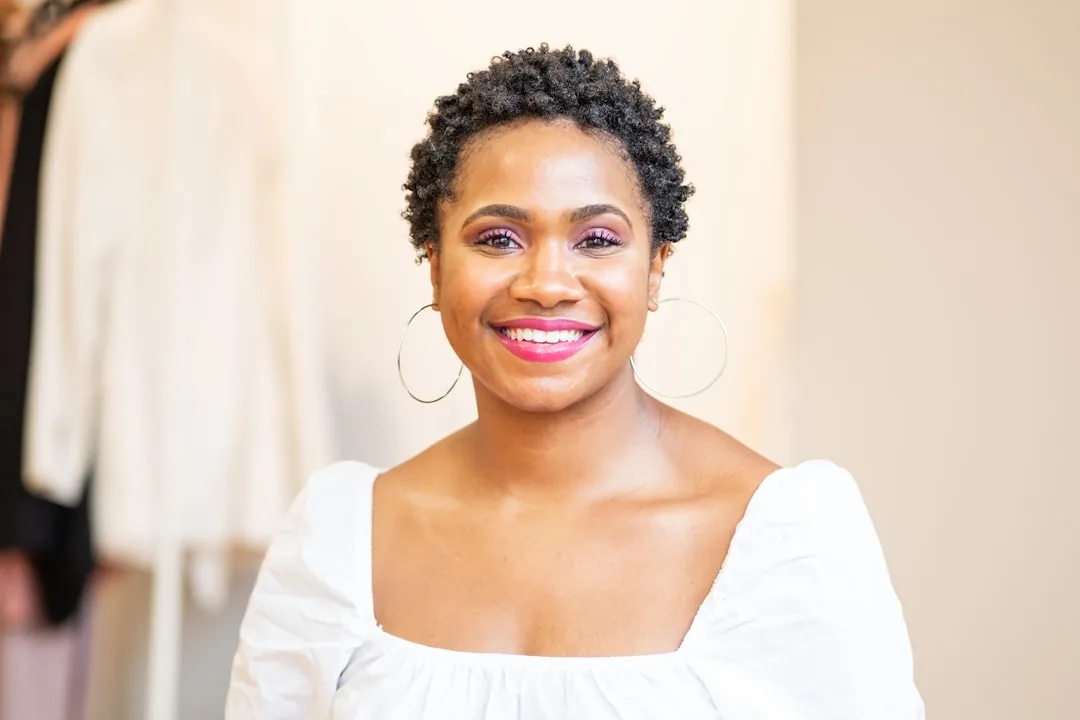
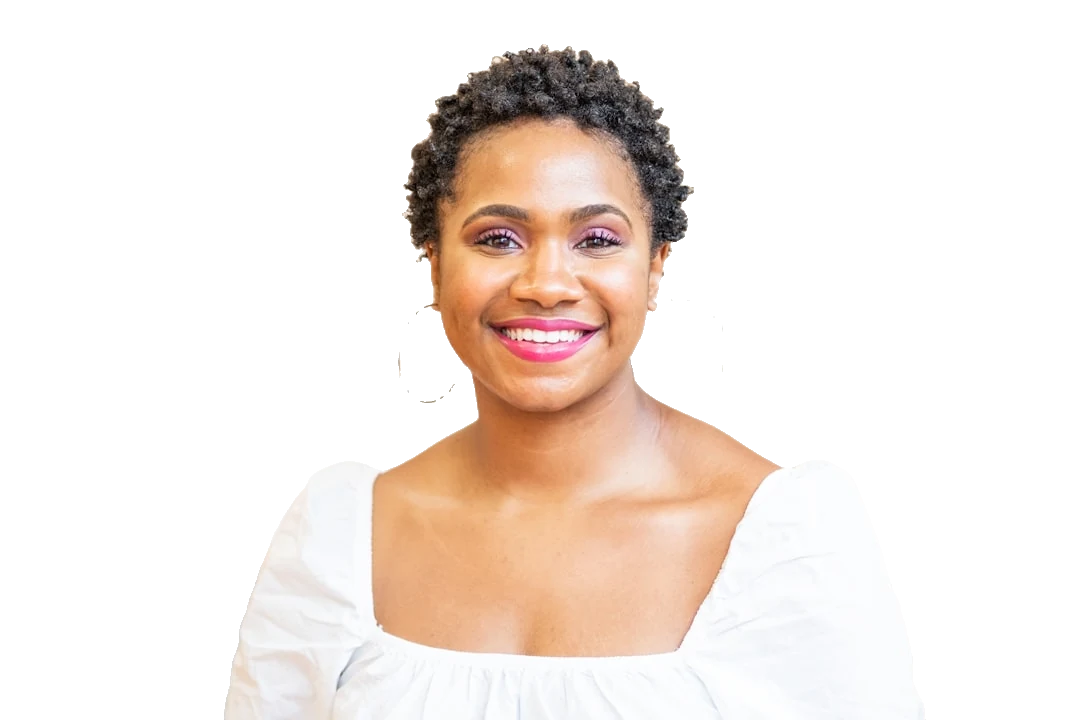
Photo by alex starnes on Unsplash


Photo by Christian Buehner on Unsplash
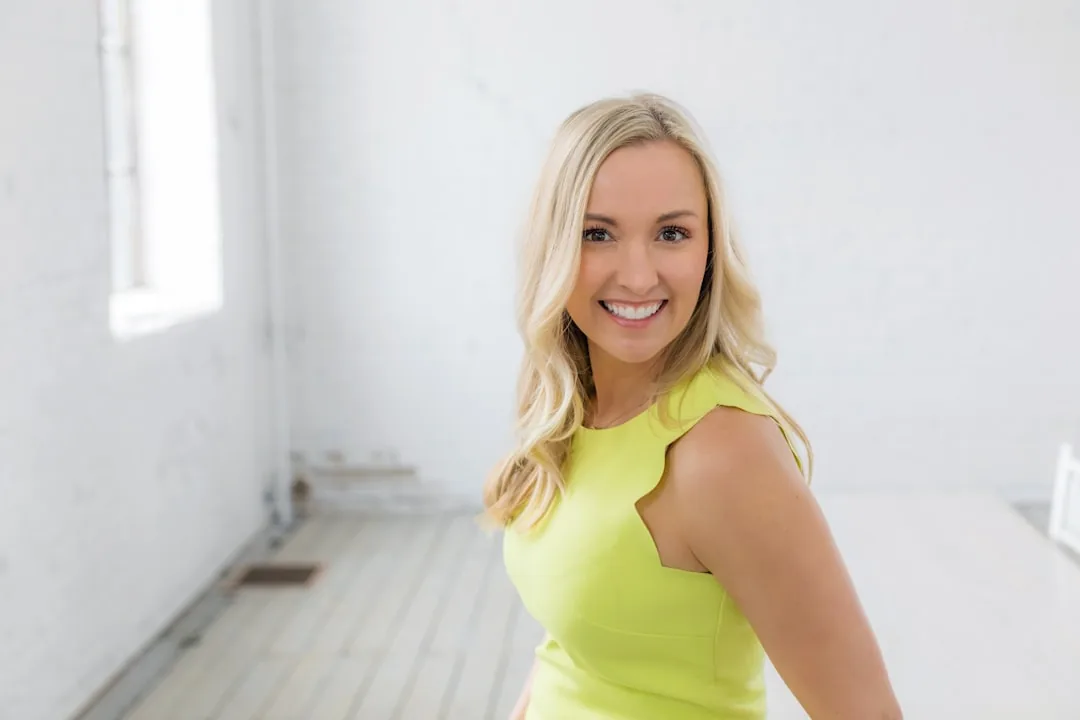
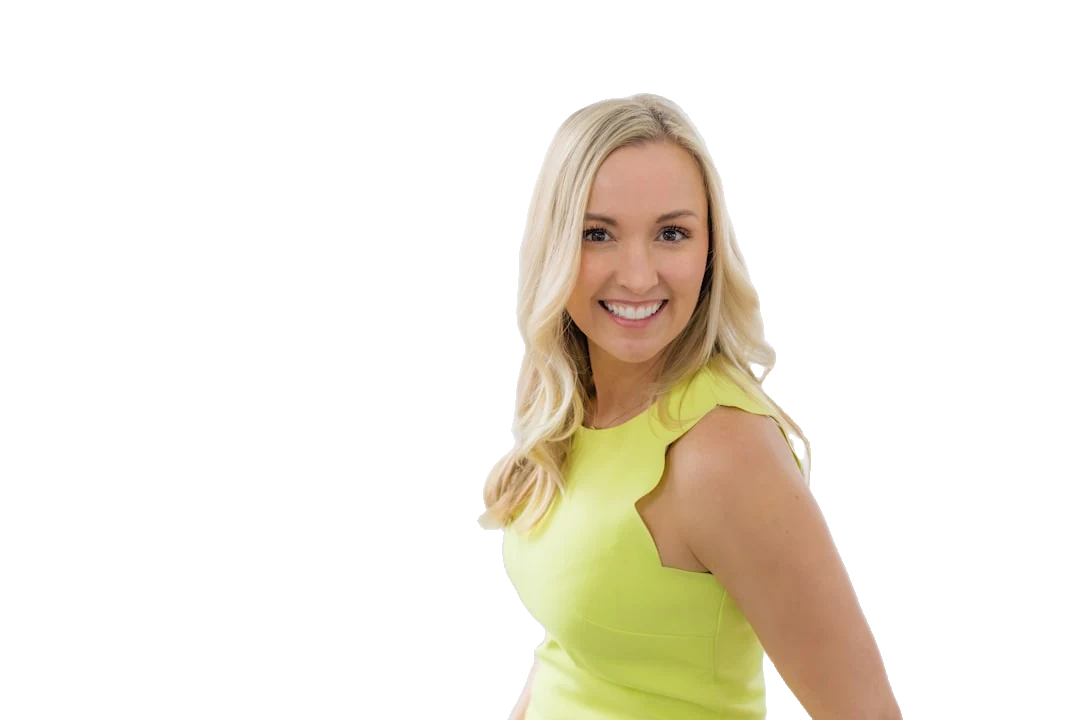
Photo by Jennifer Kalenberg on Unsplash
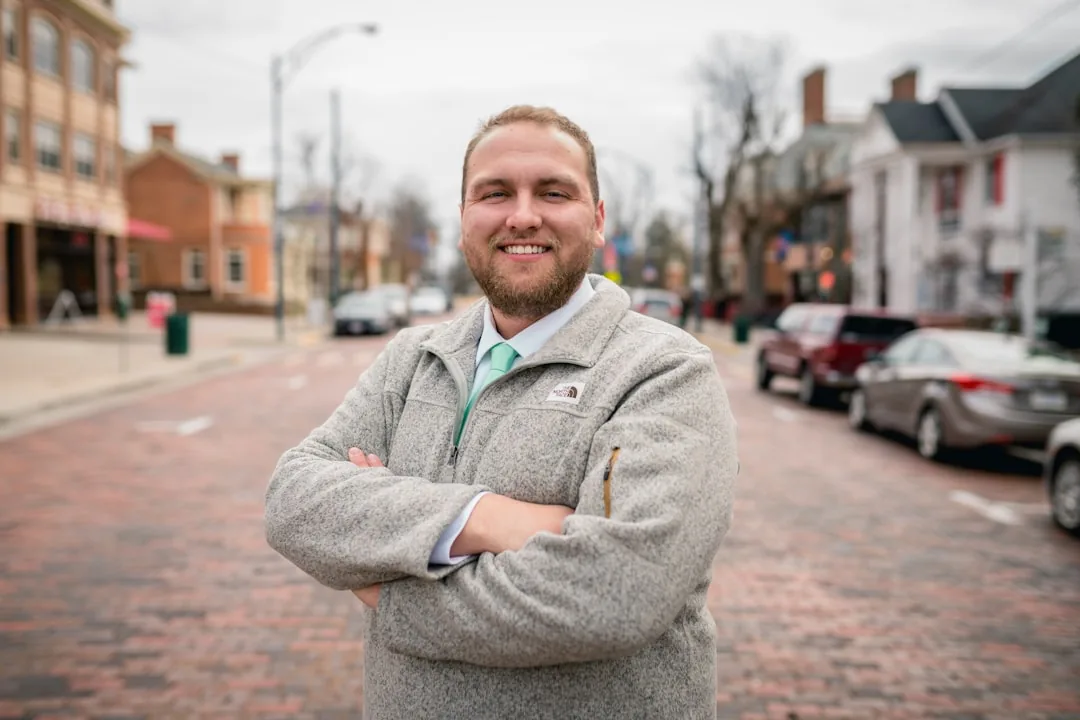
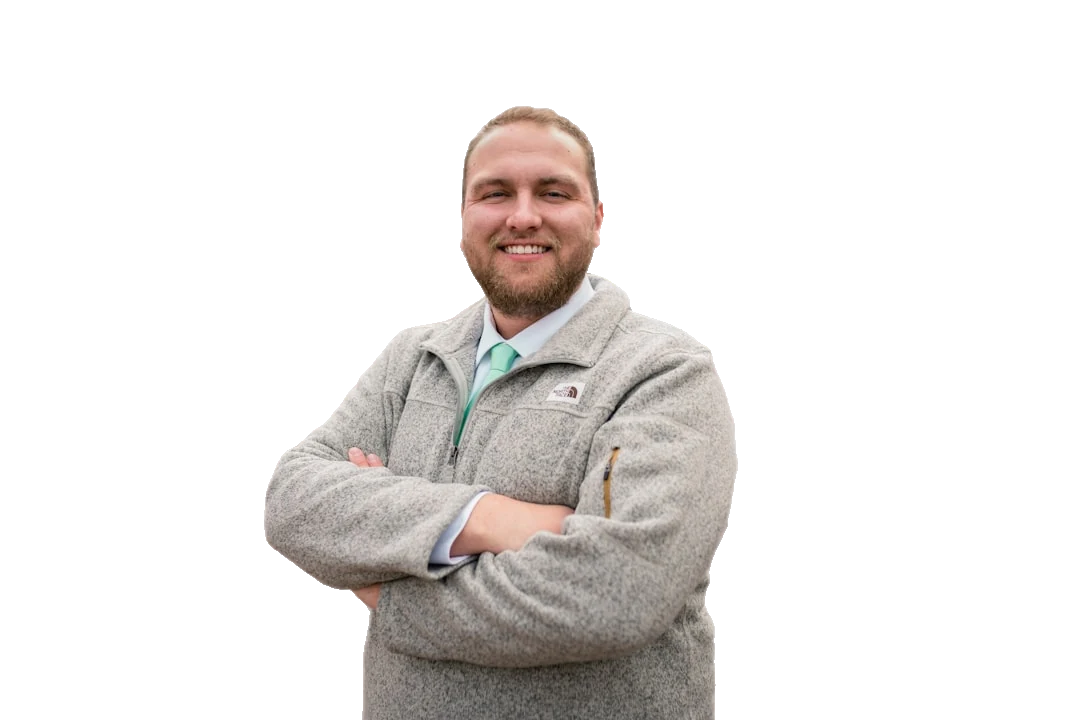
Photo by Ryan Hoffman on Unsplash
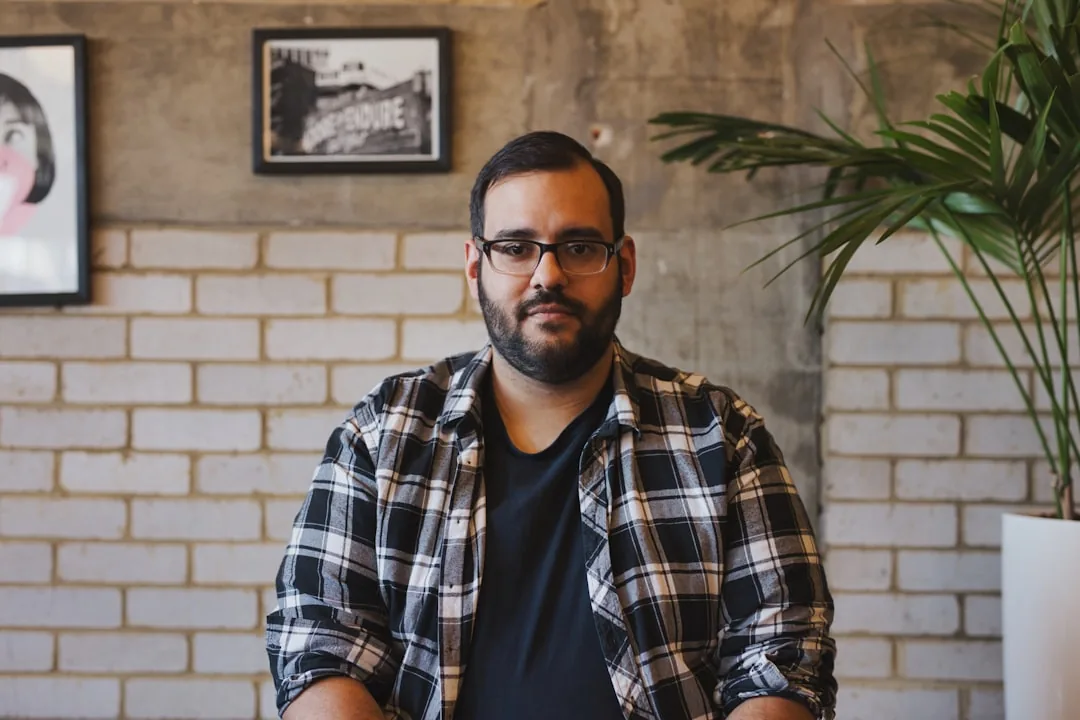
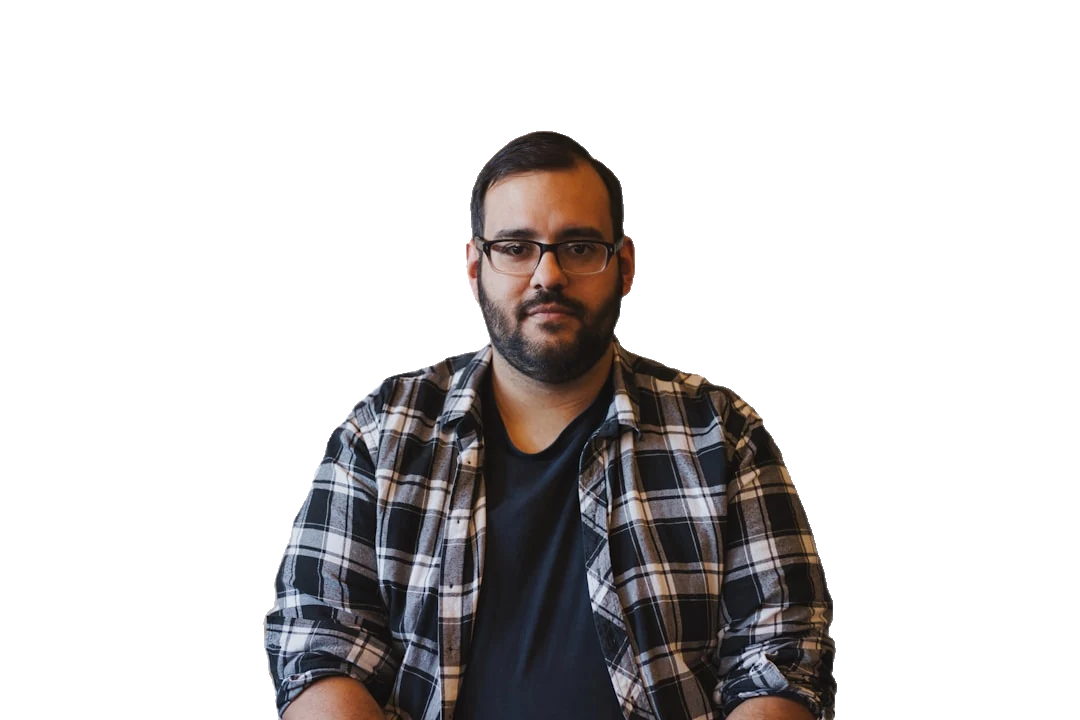
Photo by Harps Joseph on Unsplash


Photo by Samuel Raita on Unsplash
Remove the Background From a Headshot in 3 Steps
No Photoshop, no lasso tool, no waiting on a designer. Headshot background removal that anyone on the team can do.
Upload your portrait
Drag in a JPG or PNG straight from your phone, webcam, or a studio shoot. One headshot or a whole folder of them.
Let the AI cut it out
Our professional headshot background remover isolates the person and erases the office, wall, or busy backdrop automatically, edges and flyaway hair included.
Pick a backdrop & download
Keep it transparent, drop in a clean neutral grey, or apply your brand color. Export in PNG or JPEG, ready for LinkedIn, a CV, or the company directory.
Built for Professional Headshots, Not Just Any Photo
Generic cut-out tools treat a portrait like any other image. ClearBackdrop is tuned for the details that make or break a headshot.
One consistent background across the whole team
Headshots taken in different rooms, lighting, and years rarely match. Drop every person onto the same corporate background and your team or About page finally looks like it was shot in one session.
Clean neutral or branded backdrops
Swap a distracting office, cluttered desk, or holiday-party wall for a calm studio grey, crisp white, or your exact brand color so attention stays on the face.
LinkedIn and CV ready
A clean LinkedIn photo background reads as more credible to recruiters and hiring managers. Export a square crop for your profile and a matching version for your resume in seconds.
Fine hair, glasses, and edges preserved
The hardest part of any headshot cut-out is wispy hair and the rims of glasses. Our model keeps those soft, natural edges instead of leaving the harsh halo cheaper tools produce.
Batch a whole team to one look
Run an entire department's photos through the same workflow and the same backdrop, so new hires slot straight into a directory that already feels uniform.
No studio, no booking, no cost to start
Skip the photographer's bill and the calendar juggling. Remove the background from a headshot you already have and refresh it whenever a role or rebrand calls for it.
Who Uses Headshot Background Removal?
If your face represents your work, a clean backdrop does a lot of quiet heavy lifting.
Job seekers
Turn a decent phone selfie into a polished LinkedIn and CV photo that looks intentional, not snapped in a hallway.
Companies & HR teams
Give every team, About, and directory photo the same branded background without re-shooting a single person.
Recruiters & agencies
Present candidates and consultants on a consistent, professional backdrop that strengthens every profile you send out.
Actors & performers
Keep casting headshots clean and distraction-free so directors focus on your expression, not the room behind you.
Real-estate agents
Match your portrait to your brokerage's colors for yard signs, listings, and business cards that look part of one set.
Speakers & consultants
Keep one signature headshot background across conference bios, slide decks, and your personal site.
Headshot Background Removal FAQ
The practical questions people ask before refreshing a portrait.
Will my whole team's headshots match?
Yes. Once you remove the background from each headshot, place every person on the identical backdrop color or image. Even if the originals were shot in different offices and lighting, the shared background makes a directory or About page look cohesive and deliberately produced.
Does it keep hair detail and glasses?
It does. The model is trained to handle the tricky parts of a portrait, fine flyaway hair, curls, and the thin frames of glasses, keeping soft natural edges rather than the hard outline or halo that cheaper cut-out tools leave behind.
What is the best background color for a LinkedIn photo?
A soft neutral, light grey, off-white, or a muted blue, keeps the focus on your face and reads as professional in the small circular LinkedIn photo background. Avoid busy patterns; they get noisy at thumbnail size. If you want personality, a single solid brand color is a safe, modern choice.
Can I add a solid brand-color background?
Absolutely. After the background is removed you can fill it with any solid color, including your company's exact brand shade, or drop in a custom backdrop image. That is how teams keep every headshot perfectly on-brand.
Is the headshot background remover free?
Yes, you can remove the background from a headshot for free, no software to install and no design experience needed. Premium options unlock higher volume and unlimited exports for teams processing many photos at once.
Will it work on an older or low-quality photo?
In most cases, yes. As long as the person is reasonably in focus and lit, the AI can separate them from the original background. Swapping a dated or cluttered backdrop for a clean one is one of the fastest ways to modernize an old headshot without a reshoot.
Why Professionals Love ClearBackdrop
""I needed updated headshots for our entire sales team but couldn't justify the cost of a professional photographer. This tool saved us thousands of dollars and hours of time. The quality is so good that clients can't tell the difference from professional studio photos.""
- Sarah Chen, Marketing Director at TechGrowth Solutions
Ready to Elevate Your Headshots Photos?
Upload your photos today and experience seamless background removal. Free to try, with premium options for unlimited access.
Remove Backgrounds Now