ClearBackdrop for Designers
Elevate your design projects with ClearBackdrop's AI-powered background removal. Whether you're creating marketing materials, web graphics, or branding assets, our tool delivers clean, isolated subjects to streamline your creative process.
Perfect for graphic designers, UI/UX creators, and marketing teams looking to craft polished visuals with ease.
Why Choose ClearBackdrop for Designers?
Powerful features designed specifically for design professionals
Flawless Subject Isolation: Extract subjects with precision, preserving intricate details like edges, patterns, and textures
Batch Editing: Process multiple images at once, ideal for campaign assets or large-scale design projects
Versatile Outputs: Create transparent PNGs or layer subjects onto custom backgrounds for mockups, ads, or prototypes
Fast Workflow: AI-driven background removal saves hours of manual editing, letting you focus on design
High-Quality Results: Supports images up to 15MB, ensuring crisp, professional-grade visuals
See the Magic in Action
Discover how ClearBackdrop transforms images into design-ready assets. Hover over each image to see the background-removed version.
Branding & Logos
Before: Product on a background.
Hover to see after (isolated product for branding).
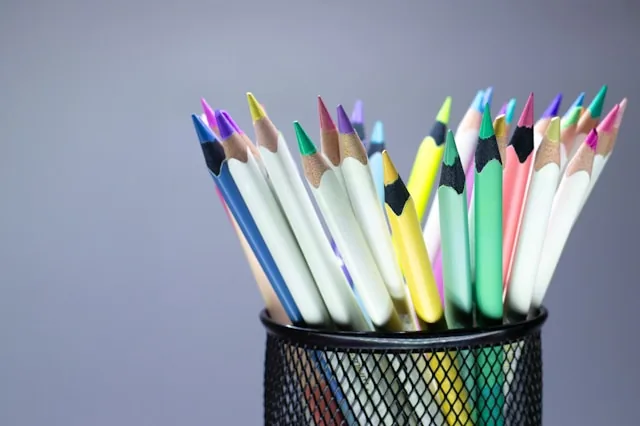
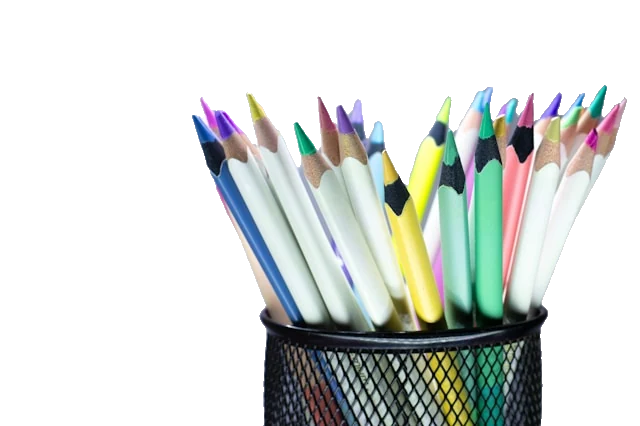
Photo by Miguel Ángel Padriñán Alba on Unsplash
Promotion Material
Before: Product photo in bright yellow background.
Hover to see after (clean asset for web mockups).
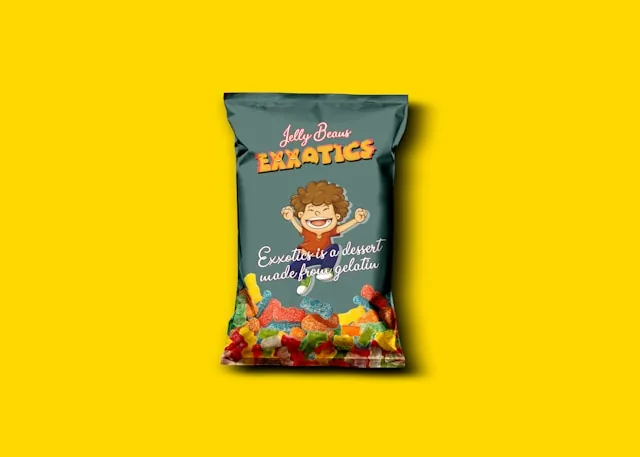
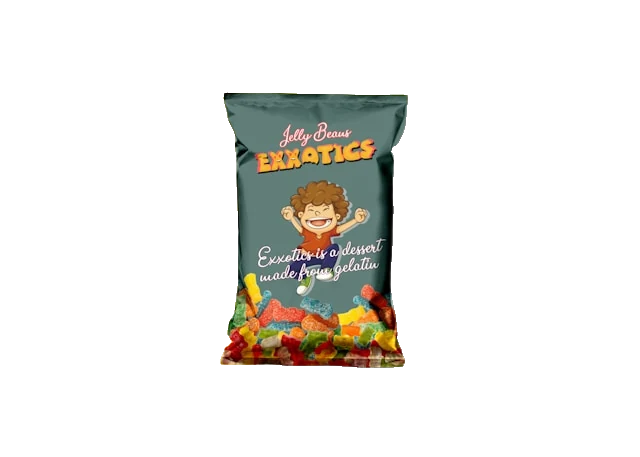
Photo by Subhan Shahzad on Unsplash
Object Isolation
Before: For magazines, websites and promo material.
Hover to see after (isolated for ads or banners).
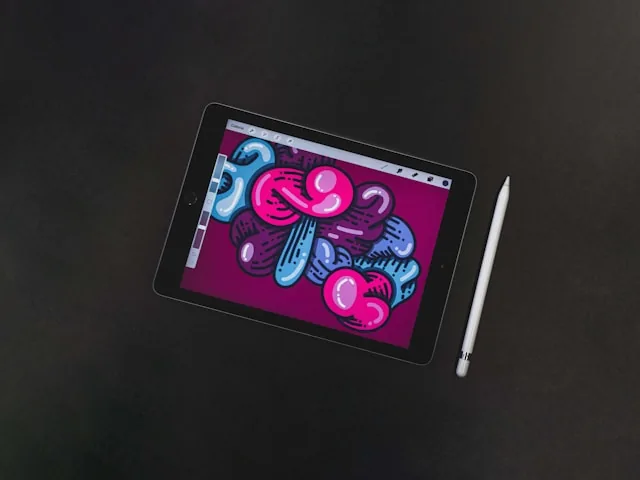
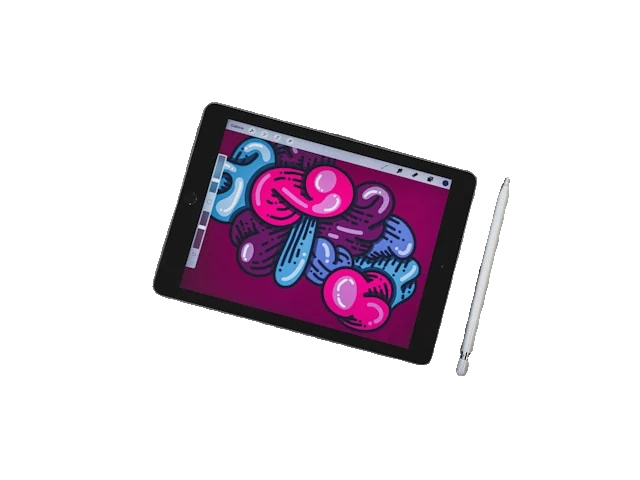
Photo by Trosh Bias on Unsplash
Why Designers Love ClearBackdrop
"ClearBackdrop saves me hours on every project. The AI is so precise, I can jump straight to designing."
- Sarah Lee, Graphic Designer
"Perfect for creating clean assets for my UI mockups. It's fast, reliable, and a total game-changer."
- Michael Chen, UI/UX Designer
How to Remove a Background for Design in 3 Steps
From raw photo to layout-ready transparent PNG in under a minute — no Pen tool, no masking layers.
Upload your artwork
Drag in a product shot, portrait, logo render, or any JPG/PNG/WebP up to 15MB. The source stays full resolution, so your cut out image keeps every pixel of detail.
Let the AI cut it out
Our model isolates the subject automatically, tracing hair, soft shadows, glass, and thin type without leaving a halo or color fringe — the kind of edge you would otherwise mask by hand.
Download the transparent PNG
Save a PNG with a true alpha channel and drop it straight into your layout, mockup, or comp. No flattened white box, no rotoscoping, no extra cleanup pass.
A Background Remover Built Around the Design Workflow
Removing a background is rarely the goal — it is step zero before the real work. Here is where clean cutouts pay off across the projects designers actually ship.
Clean PNGs for layouts
Float a subject over a grid, wrap copy around it, or bleed it off the edge. With the background gone, the image behaves like a real layout element instead of a rectangle.
Product mockups
Cut out an image of a bottle, box, or device and drop it onto packaging templates, device frames, or scene comps. One clean asset works across every mockup you build.
Logos and brand assets
Pull a mark off a scanned sketch or screenshot and rebuild it as a transparent PNG that sits cleanly on any brand color, hero image, or dark UI.
Compositing for posters, social and ads
Layer subjects into key art, stitch multiple cutouts into a collage, or build a scroll-stopping ad. Each element arrives pre-isolated and ready to stack.
Drops straight into Figma, Photoshop and Canva
Because the export is a standard transparent PNG, you just place it. The alpha channel is respected in Figma, on a Photoshop layer, and on a Canva canvas alike.
Consistent cutouts across a campaign
Run a whole set of product or talent shots through the same model and every cutout matches — the same edge treatment from the first hero frame to the last story tile.
Who It's For
A background remover for designers across every corner of the creative team.
Brand designers
Building identity systems, brand decks, and asset libraries that need clean, reusable cutouts.
Agency creatives
Turning client photography into pitch comps and campaign key art on tight deadlines.
Social designers
Cranking out posts, stories, and ad variants where subjects need to pop off bold backgrounds.
Packaging designers
Isolating products and dielines to drop onto box renders, labels, and shelf mockups.
Designer FAQ
The practical questions designers ask before dropping a cutout into a real file.
Does it export a transparent PNG?
Yes. The output is a PNG with a real alpha channel, not a white or checkered fill baked into the pixels. Place it on any background and the area around your subject stays genuinely see-through.
Will the edges look clean in my mockup?
The AI feathers and anti-aliases the cutout edge instead of leaving a hard jagged line, so subjects sit naturally on a new background. For wispy hair or fine product detail, start from the highest-resolution source you have — more pixels at the boundary means a smoother trace.
Can I use it commercially, and is it free?
ClearBackdrop is free to try, and you keep the rights to images you own — so client work, ads, packaging, and paid campaigns are all fair game. Just make sure you have the rights to the original photo before you cut it out.
Does it work with logos and text?
It handles logos, lettering, and hard-edged graphics well, lifting the mark off its background so you can place it on brand colors or photography. For a true vector logo you would still rebuild it in Illustrator, but a clean transparent PNG is perfect for comps, decks, and web mockups.
How do I drop it into Figma, Photoshop or Canva?
Download the PNG, then drag it onto your Figma frame, place it as a new Photoshop layer, or upload it to your Canva canvas. The transparency carries through in every one — no extra masking, no removing a white box first.
Can I keep cutouts consistent across a campaign?
Run every asset through the same tool and the edge treatment stays consistent shot to shot, which keeps a product range or a set of talent portraits looking like one cohesive system across web, social, and print.
Ready to Streamline Your Design Workflow?
Upload your images today and create stunning visuals with ease. Free to try, with premium options for unlimited access.
Remove Backgrounds Now