ClearBackdrop for Photographers
Unlock the full potential of your photography with ClearBackdrop's AI-powered background removal. Whether you're shooting portraits, landscapes, or creative concepts, our tool helps you isolate subjects effortlessly, saving hours in post-production and enhancing your creative workflow.
Perfect for professional photographers, hobbyists, and studios looking to create clean, versatile images ready for composites, prints, or digital portfolios.
Why Choose ClearBackdrop for Photographers?
Powerful features designed specifically for photography professionals
Precise Subject Isolation: Remove distracting backgrounds while preserving fine details like hair, edges, and textures
Batch Processing: Handle multiple photos at once-ideal for wedding shoots, events, or product sessions
Creative Freedom: Easily layer subjects onto new backgrounds for composites, marketing materials, or artistic edits
Time-Saving AI: Get professional results in seconds, without manual masking or complex software
High-Resolution Support: Maintain image quality up to 15MB per file, ensuring your work stays sharp
See the Magic in Action
See how ClearBackdrop transforms everyday photos into professional assets. Hover over each image to reveal the background-removed version.
Portrait Photography
Before: A close up of a camera.
Hover to see after (Background removed to isolate fore object).
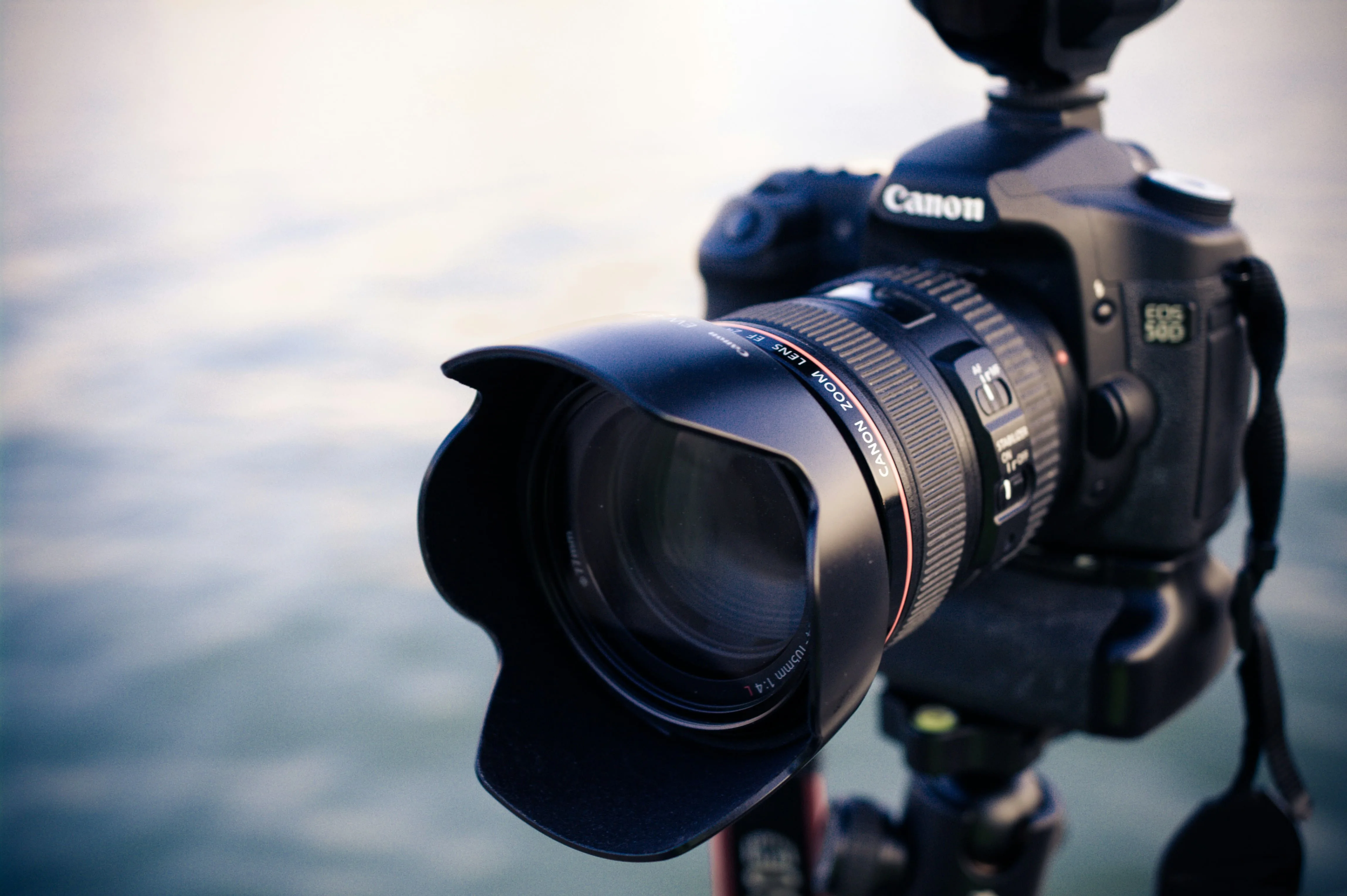
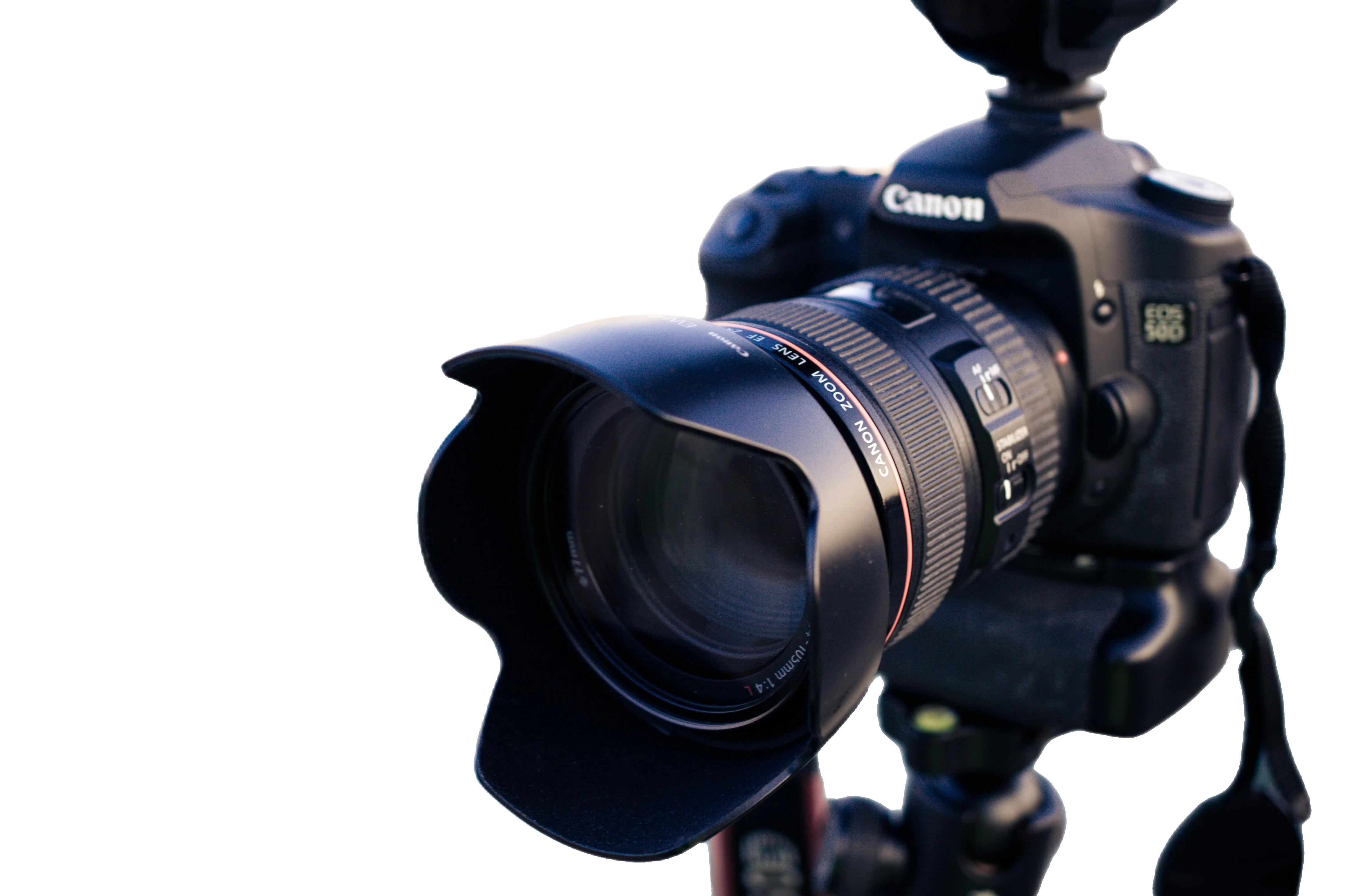
Photo by Alexander Wang on Unsplash
Landscape & Nature Shots
Before: Person in park.
Hover to see after (isolated subject for composites).
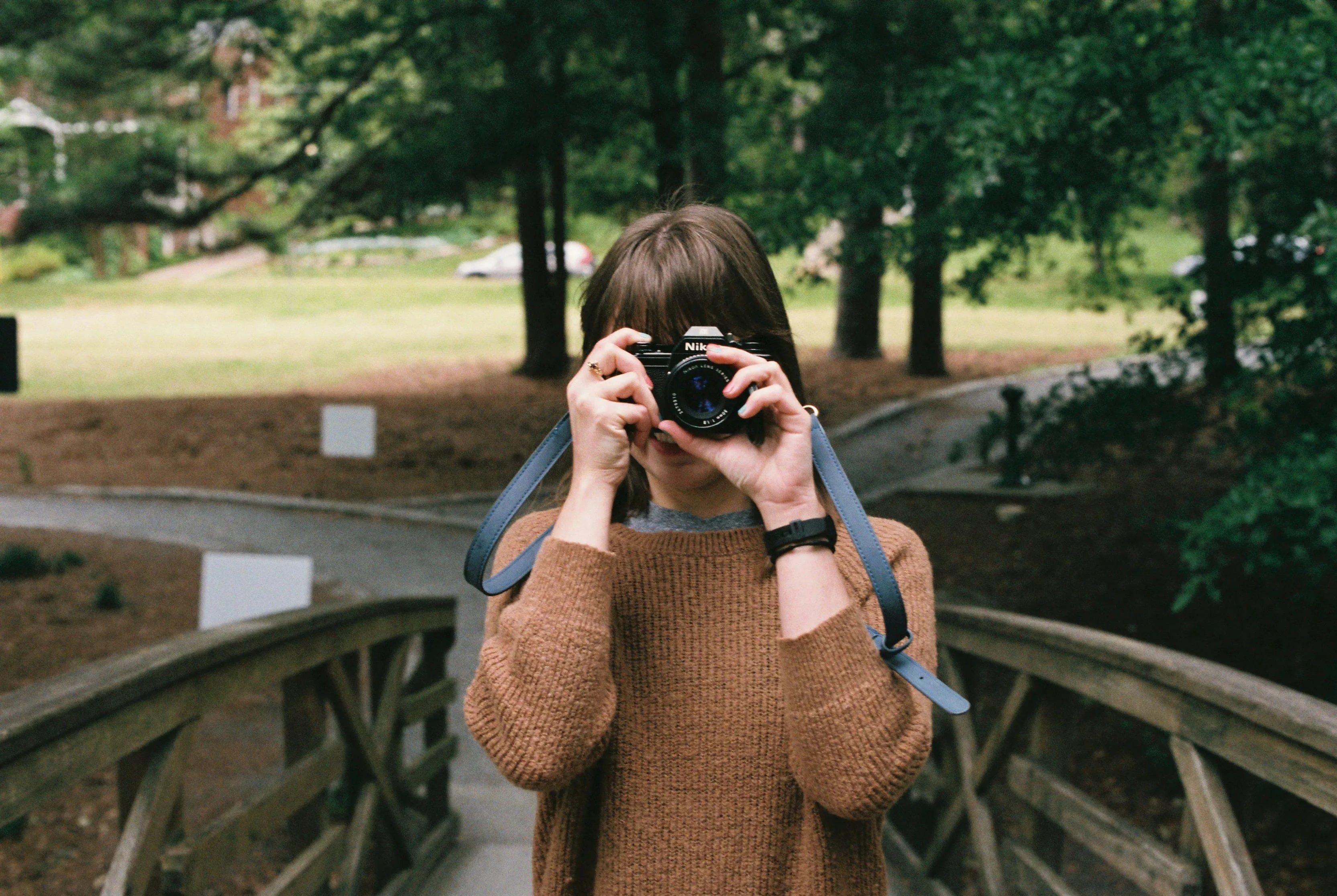
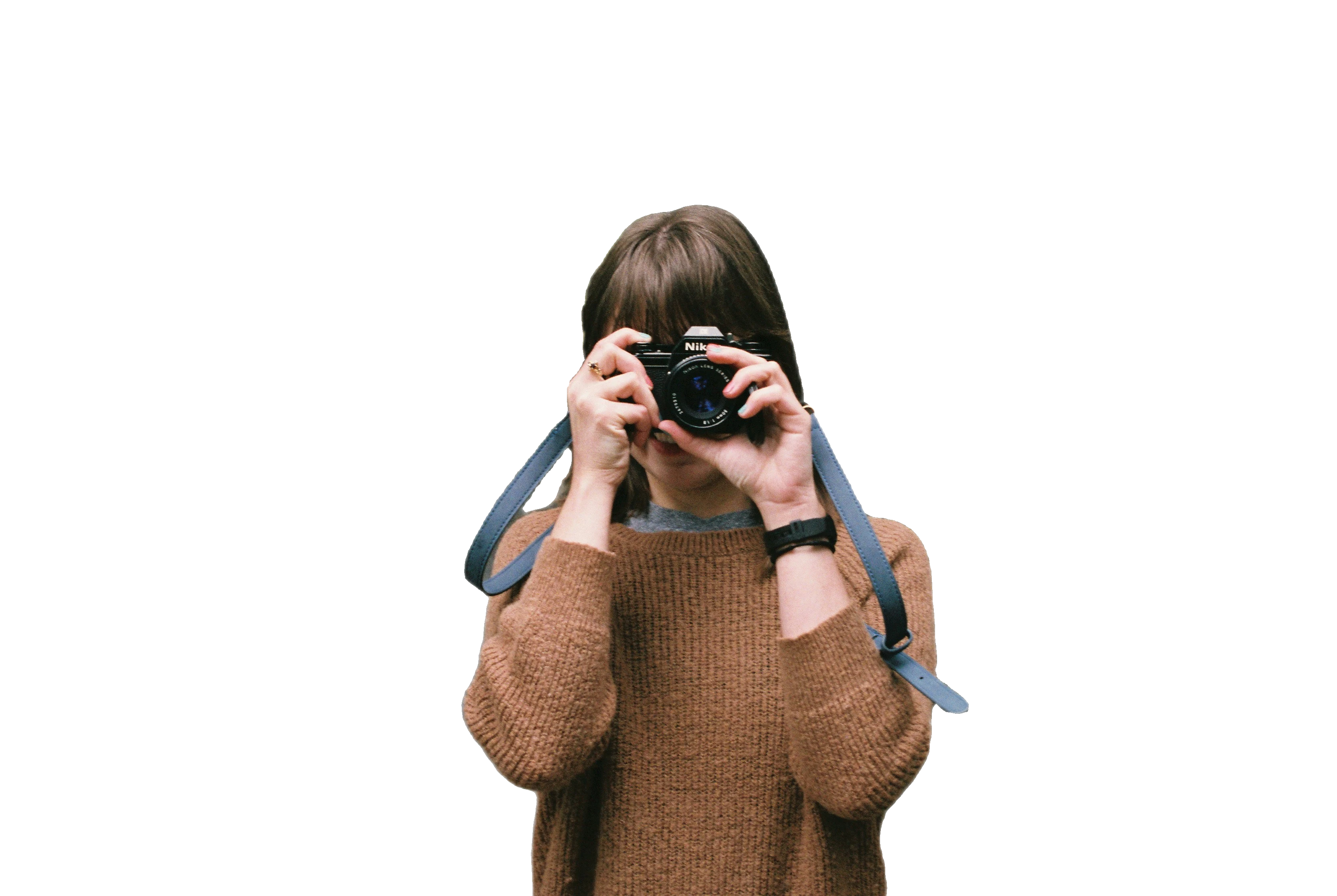
Photo by Janelle Hiroshige on Unsplash


Why Photographers Love ClearBackdrop
"ClearBackdrop has revolutionized my workflow. No more tedious masking in Photoshop-now I can focus on capturing moments!"
- Jane Dose, Professional Portrait Photographer
"The AI handles intricate details like fur and foliage perfectly. It's a game-changer for my nature photography."
- John Smith, Wildlife Photographer
How to Remove a Background From Your Photo
Three steps from a RAW export to a clean cut-out. No pen tool, no layer masks, no plugins.
Upload your frame
Drop in a JPEG or PNG straight from Lightroom, Capture One, or your card. ClearBackdrop handles full-resolution exports up to 15MB, so you can work from your edited hero shot rather than a thumbnail.
Let the AI cut the subject
The model traces your subject in a few seconds, following flyaway hair, eyelashes, and the soft falloff of a shallow depth of field instead of stamping out a hard rectangle.
Download a transparent PNG
Save the cut-out as a transparent PNG and pull it straight back into your retouching layers, or drop a fresh backdrop behind it. Your original pixels stay untouched.
Built Around a Photographer's Workflow
When you need to remove a background from photos by the hundred, the details that survive the cut are what set the work apart.
Edge accuracy on the hard stuff
Curly hair, wispy baby fur, the lace on a wedding veil, a backlit fringe-the photographer background removal keeps the strands a manual lasso would smear into a halo.
Composite onto any backdrop
Lift a subject off a cluttered location and drop them onto a seamless grey sweep, a brand colour, or a different sky. Same pose, infinite sets, no second shoot.
Faster client turnaround
Cutting a path by hand can eat ten minutes a frame. Trim that to seconds and you send a gallery the same evening instead of the following week.
Batch delivery for full shoots
Run a whole product run or an event set through one after another and hand the client a consistent batch of cut-outs ready for their store or programme.
Clean handoff to retouching
The transparent PNG drops back into Photoshop or Affinity as its own layer with the alpha already cut, so your retoucher dodges and burns instead of rebuilding a mask.
Look-book and catalogue ready
For fashion photography remove background work, isolating the garment on white gives e-commerce a uniform set and frees the styling for the printed look-book.
Who It's For
Whatever genre fills your calendar, the photography remove background workflow slots in where the cut-out matters.
Portrait
Headshots and personal branding on a clean, neutral field.
Product
Pure-white pack shots that meet marketplace listing rules.
Wedding
Couple cut-outs for albums, save-the-dates, and guest signs.
Event
Branded photo-booth keepsakes and speaker headshots at speed.
Real estate
Swap a flat sky or clear a deck for crisp listing exteriors.
Photography Background Removal FAQ
The questions photographers ask before they trust a cut-out with a paying client.
Does it keep fine hair detail?
Yes. The model is trained to follow individual strands, frizz, and feathered edges rather than clamping to a smooth outline, so a backlit portrait keeps its halo of loose hair instead of a plastic-looking border.
Can I composite onto a studio backdrop?
That is exactly what the transparent PNG is for. Place the cut-out over a seamless paper colour, a textured canvas, or a gradient sweep in your editor and the subject sits cleanly on the new surface with no fringe to paint out.
What formats does it export?
You upload a JPEG or PNG and download a transparent PNG with a true alpha channel, ready to drop straight onto a layer in Photoshop, Affinity Photo, Canva, or InDesign.
Is it free, and is it good enough for client work?
The tool is free to try, and the cut-outs hold up for delivered galleries, e-commerce listings, and marketing layouts. For a hero image that goes to large print, treat the result as a finished mask you can still refine by hand.
How does it compare to manual masking in Photoshop?
Select Subject and the pen tool give you total control but cost real minutes per frame. The AI does the first ninety percent instantly, so you skip the tedious path-drawing and spend your time only on the few edges that need a human eye.
Will it handle a whole shoot at once?
Run frames through one after another to keep a consistent look across a product run or an event set, then hand the client a single batch of matching cut-outs instead of one-off edits.
Ready to Elevate Your Photography?
Upload your photos today and experience seamless background removal. Free to try, with premium options for unlimited access.
Remove Backgrounds Now