Spooktacular Halloween Background Remover: Create Haunting Images in Seconds
Transform your Halloween photos into professional-quality spooky masterpieces with our lightning-fast background removal tool. Whether you're creating social media posts, party invitations, or eerie decorations, our AI-powered technology ensures perfect cutouts every time-no design skills required.
Why Choose ClearBackdrop for Halloween?
Powerful features designed specifically for Halloween imagery
Instantly remove backgrounds from costume photos to place yourself in haunted scenes
Create transparent PNG images perfect for Halloween marketing materials and printables
Batch process multiple spooky images at once to save valuable time
Preserve fine details like witch broom bristles, zombie makeup, and cobweb patterns
Seamlessly integrate with popular design tools for complete Halloween creative projects
See the Magic in Action
Real Halloween images transformed instantly. Hover to reveal the background-removed version.
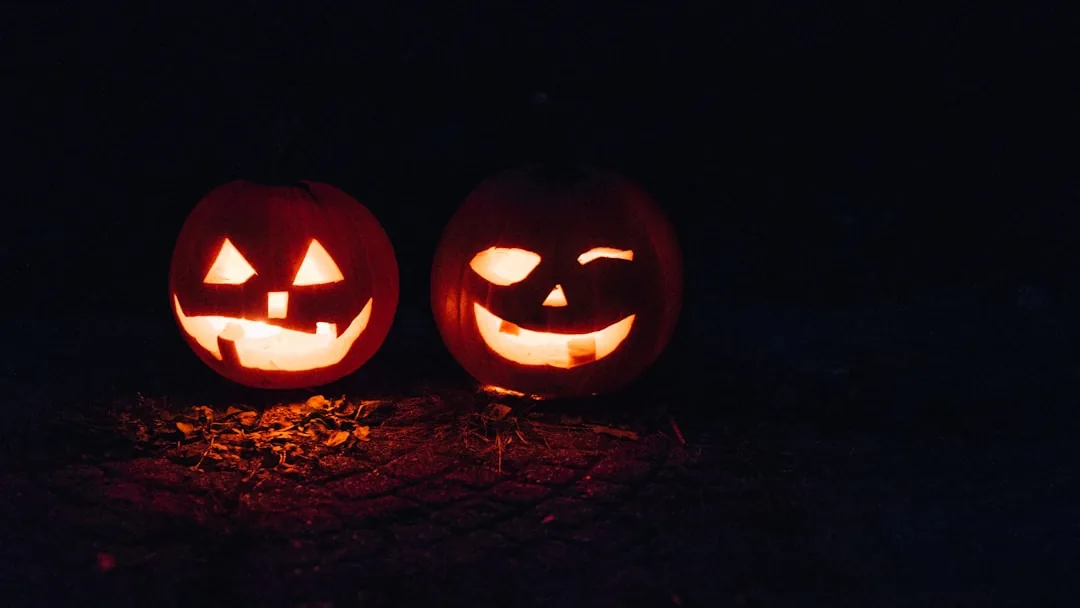
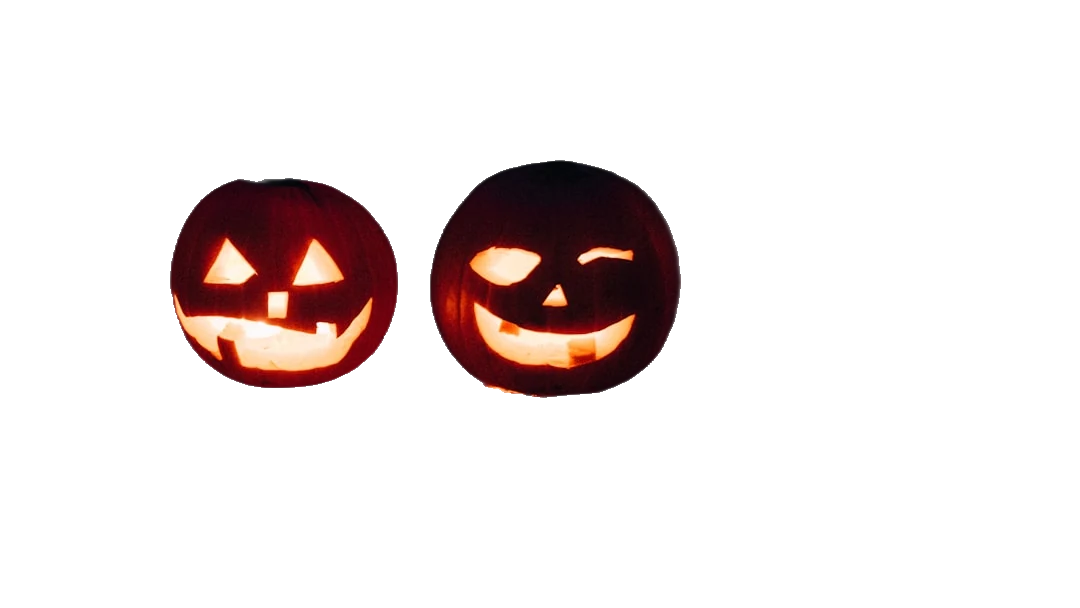
Photo by Beth Teutschmann on Unsplash
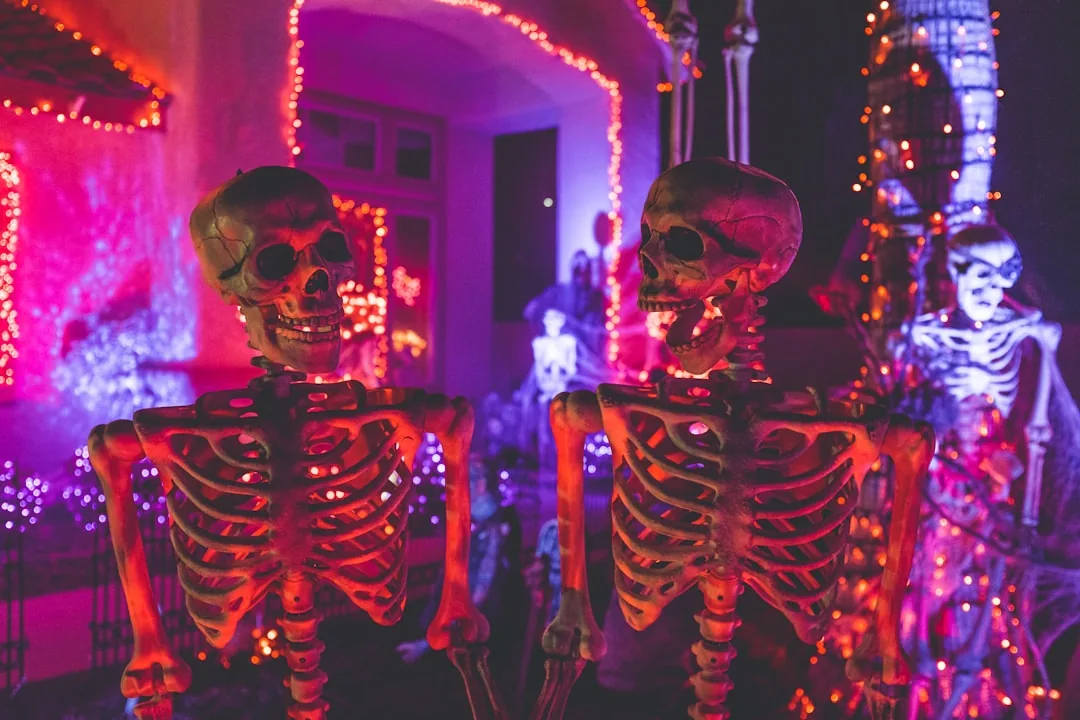
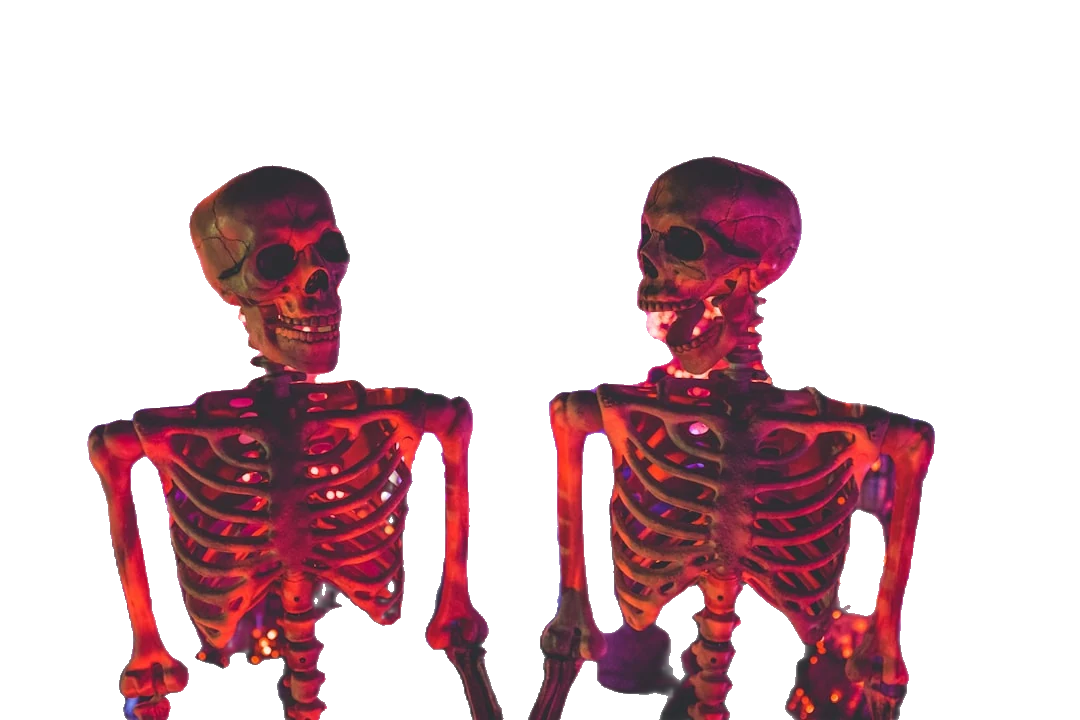
Photo by Kenny Eliason on Unsplash
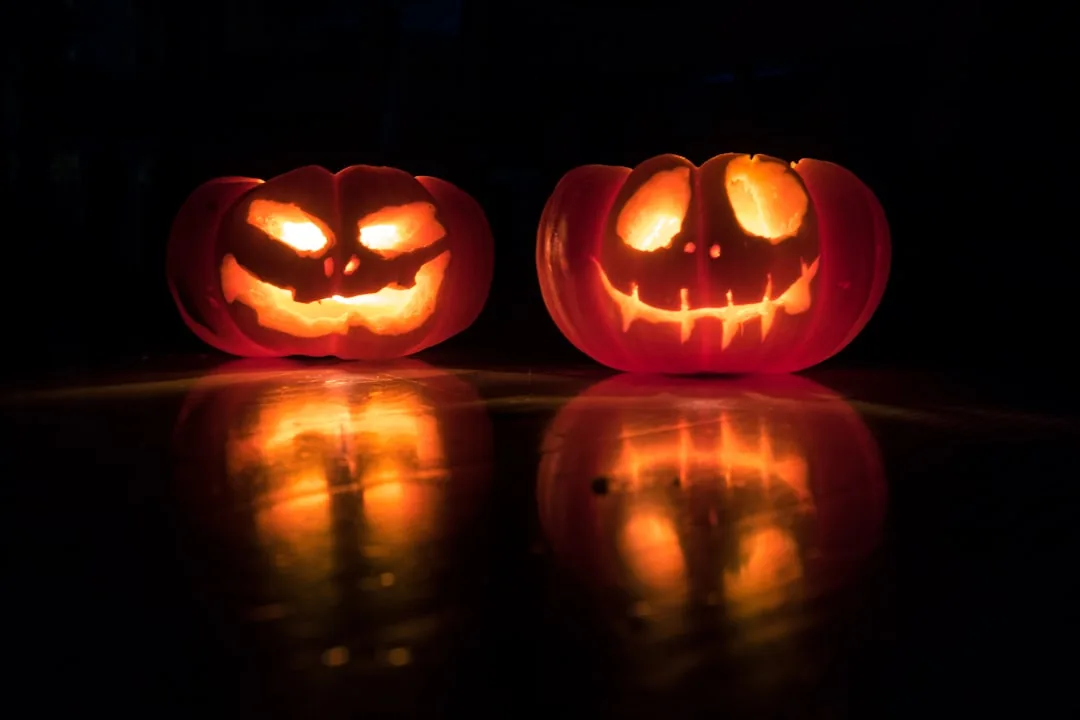
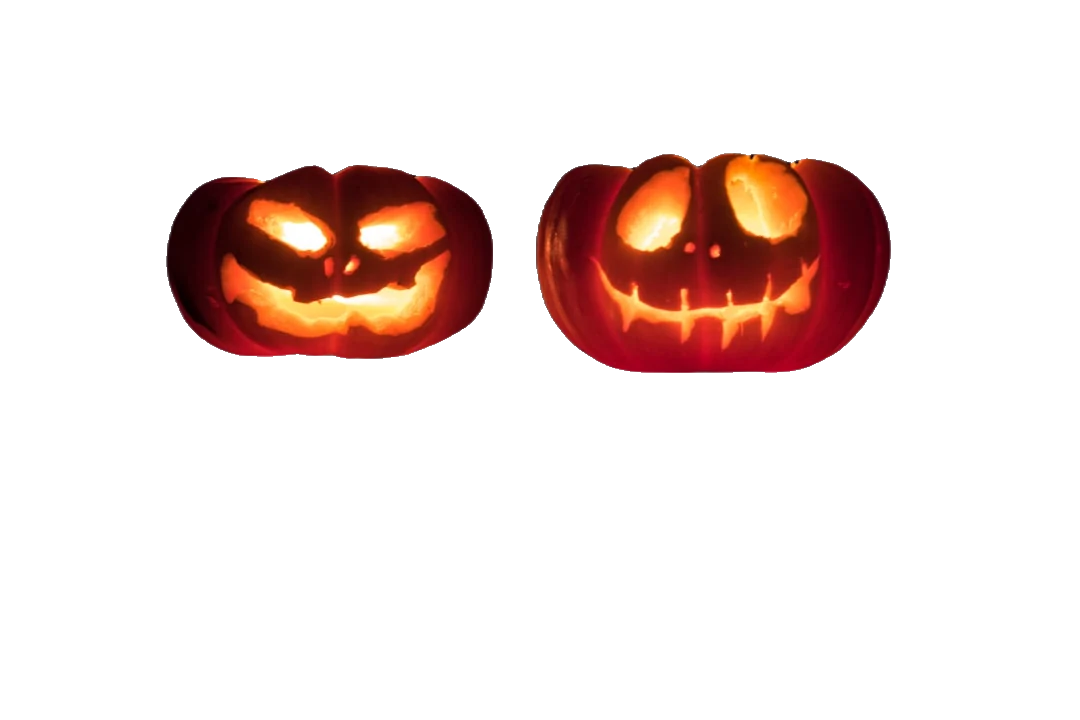
Photo by David Menidrey on Unsplash
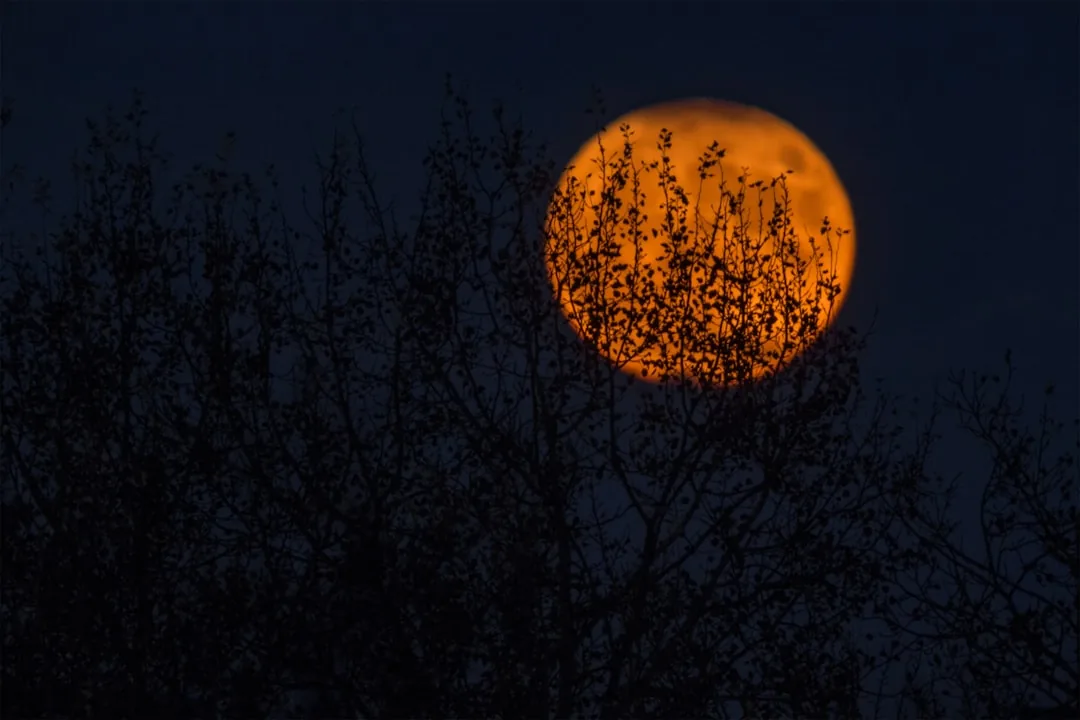
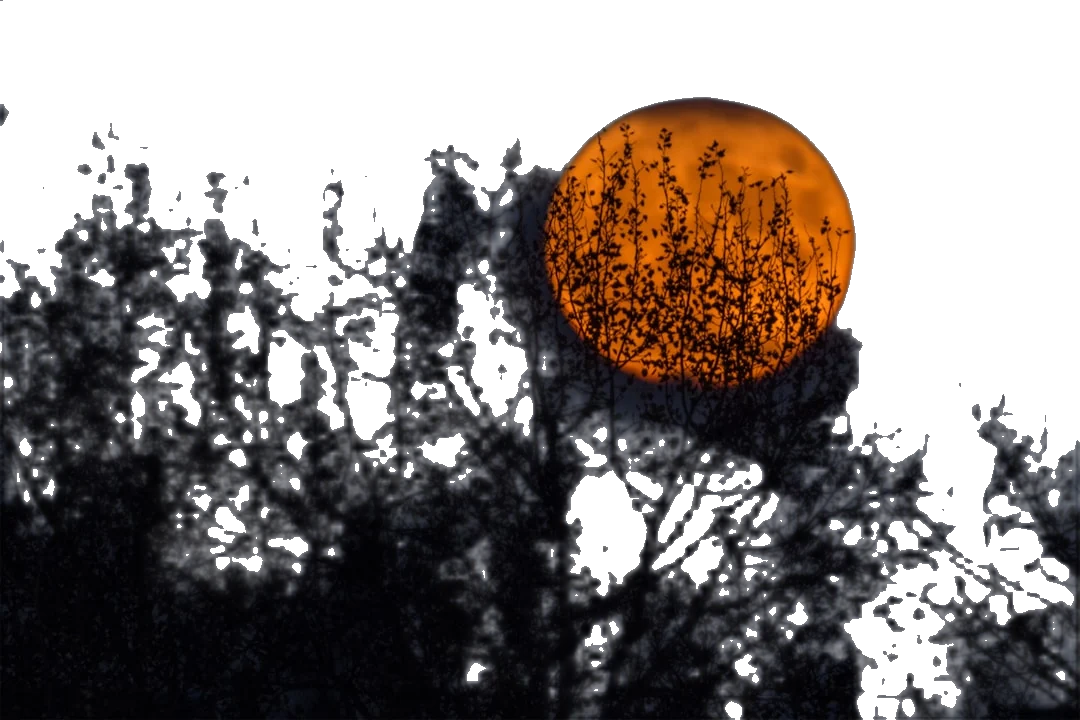
Photo by Neven Krcmarek on Unsplash
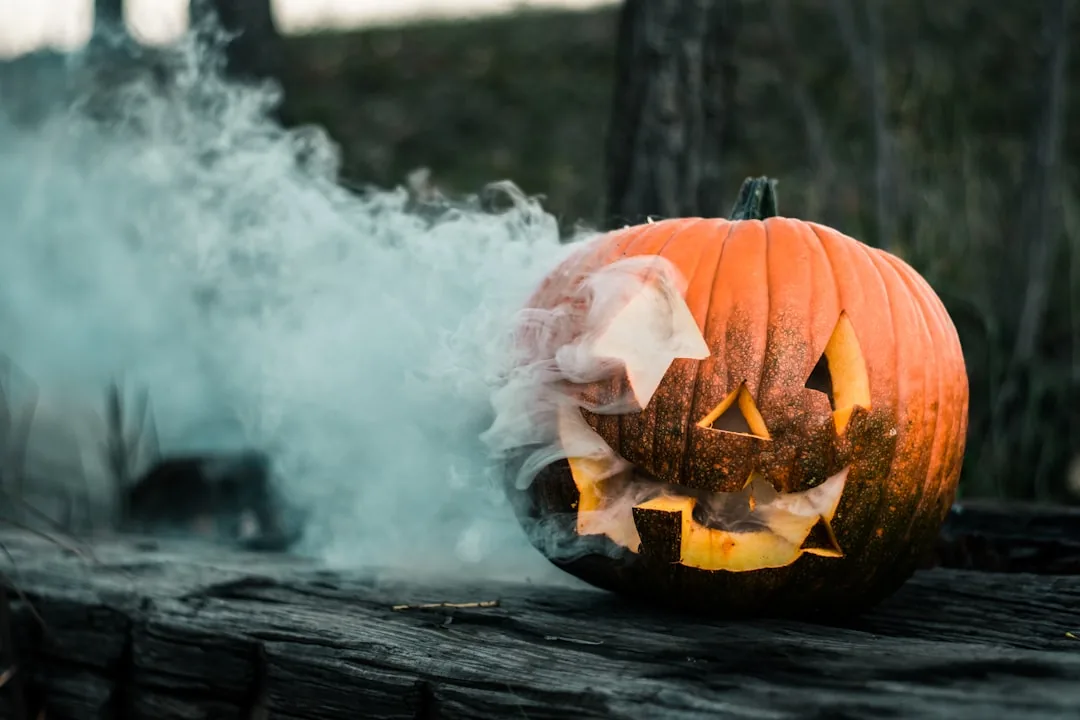
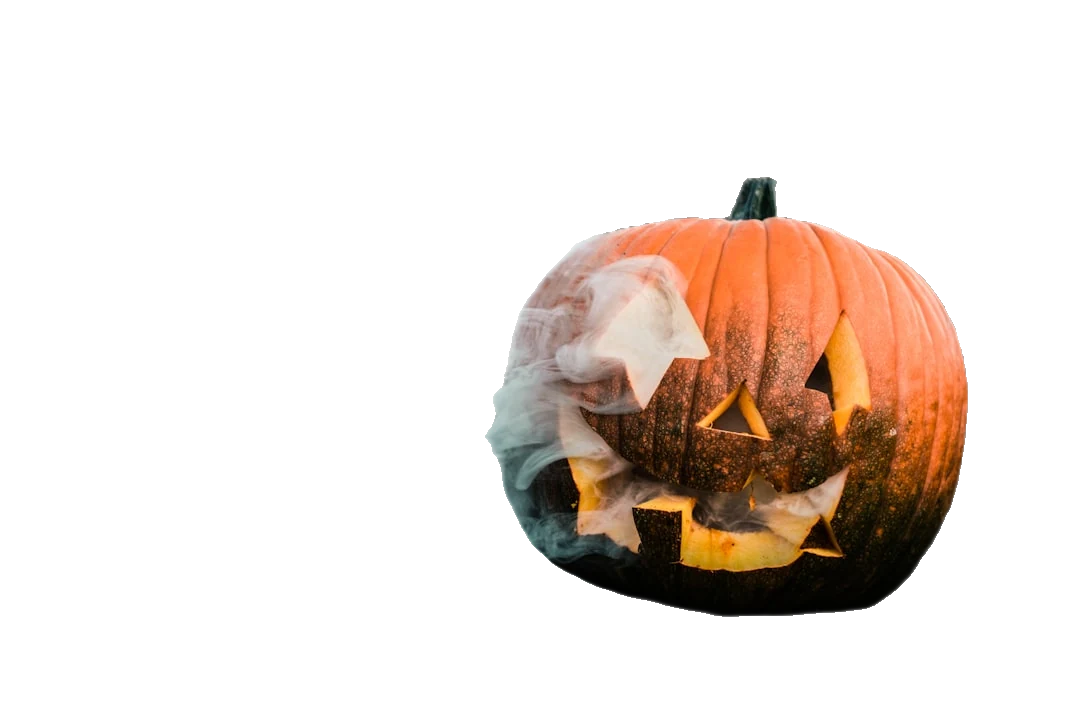
Photo by Colton Sturgeon on Unsplash
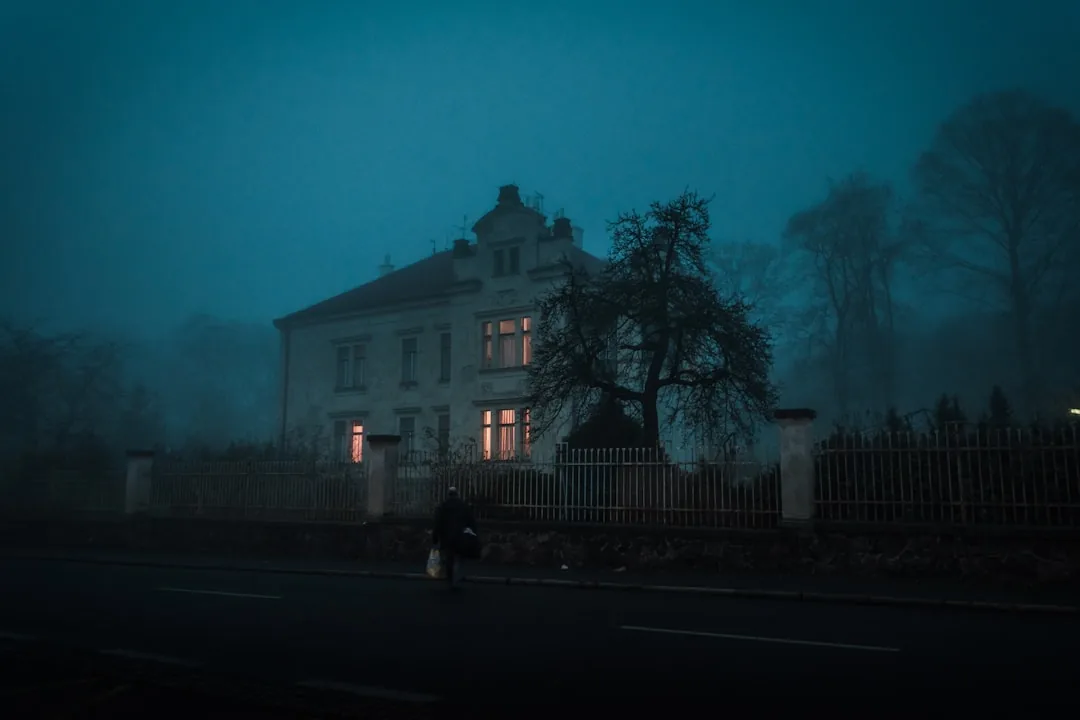
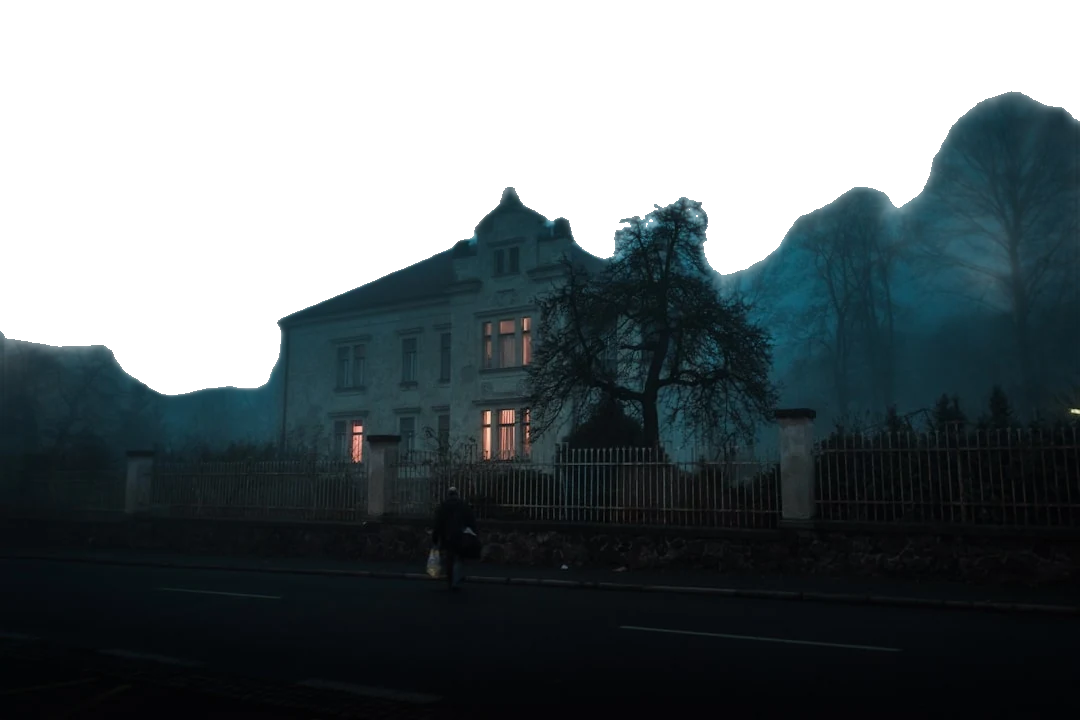
Photo by Ján Jakub Naništa on Unsplash
How Halloween Background Removal Works
From phone photo to spooky cutout in under a minute. No Photoshop, no learning curve, no cauldron required.
Upload your costume photo
Drag in any Halloween snapshot - a trick-or-treat selfie, a cosplay portrait, or the dog in a pumpkin hat. JPG, PNG, and WebP all work.
Let the AI cut it out
Our AI traces the edges automatically - masks, pointed hats, broomstick bristles, and flowing capes included - and lifts your subject off its background in seconds.
Download a transparent PNG
Save a clean transparent cutout, then drop it onto a graveyard, a haunted house, or a blood-moon sky - or keep it transparent for stickers and collages.
What You Can Conjure Up
Halloween background removal opens the crypt door to dozens of creative projects. Here are the ones people reach for most.
Drop costumes onto spooky backgrounds
Remove the background from costume photos and composite yourself into a foggy graveyard, a cobwebbed mansion, or a full harvest moon. The same cutout works against any spooky photo background you choose.
Party invites and flyers
Cut out the host, the kids, or the whole crew and arrange them on a themed invitation or a costume-contest flyer. A clean edge makes any Halloween photo editor background look hand-designed.
Transparent cutouts for collages and memes
Turn a costume shot into a transparent PNG sticker you can paste into group-chat memes, scrapbook collages, or a "guess the costume" carousel. Layer several cutouts to build one chaotic monster mash.
Seasonal store promos
Small businesses can isolate products and place them on a branded spooky backdrop for October sales, menu boards, and "boo-tique" ads - no studio, no designer, no budget needed.
Who It's For
Whether you're wrangling toddlers or building a brand, the cutout does the heavy lifting.
Families
Turn the annual costume photo into a keepsake card or a haunted family portrait the grandparents will love.
Cosplayers
Show off an elaborate build against a dramatic scene instead of a messy bedroom, and keep every prop edge crisp.
Social creators
Pump out scroll-stopping Reels covers, TikTok thumbnails, and meme stickers all October long.
Small businesses
Spin up seasonal promos, product ads, and event graphics without hiring a designer or booking a studio.
Halloween Background Removal FAQ
Can I put my costume photo on a spooky background?
Absolutely - that's the whole trick. Remove the background from your costume photo to get a transparent cutout, then layer it over any spooky photo background: a graveyard, a haunted hallway, a fog-filled forest, or a glowing jack-o'-lantern patch. Because the cutout is transparent, you can swap backgrounds as many times as you like.
Does it handle masks, props, and elaborate costumes?
Yes. The AI is built to follow tricky outlines - full-face masks, pointed witch hats, scythes and broomsticks, trailing capes, and even wispy cobweb veils. Detailed costumes with lots of edges are exactly where automatic background removal saves you the most time versus tracing by hand.
Is it free?
Yes, you can remove backgrounds from your Halloween photos for free - no account or credit card needed to get started. Just upload, let the AI work, and download your transparent PNG. Premium options are there if you need higher volume.
Is it good for Instagram and TikTok posts?
Perfect for it. A clean cutout lets you build eye-catching Reels covers, Story stickers, and TikTok thumbnails that pop against bold spooky backgrounds. Transparent PNGs also drop straight into Canva, CapCut, and most editing apps, so your seasonal content stays consistent across every platform.
Can I make a transparent PNG sticker?
Definitely. Every download comes as a transparent PNG, which is the ideal format for stickers. Cut out your costume, keep the background transparent, and you've got a ready-to-share Halloween sticker for chats, collages, printable labels, or a custom WhatsApp pack.
Will it work on low-light or blurry Halloween photos?
It handles most of them well. Halloween shots are often dim and atmospheric, and the AI is trained to separate a subject from a dark or busy scene. For the cleanest cutout, aim for a photo where your costume stands clearly apart from the background - a little contrast goes a long way.
Why Professionals Love ClearBackdrop
""I needed to create last-minute Halloween party invitations and this tool was an absolute lifesaver! The background removal was flawless-even with my daughter's intricate vampire cape and my son's werewolf fur costume. What would have taken me hours in Photoshop took literally seconds, and the results looked professionally done. This is now my go-to tool for all our holiday photo needs.""
- Sarah Martinez, Event Planner & Mom of 2
Ready to Elevate Your Halloween Photos?
Upload your photos today and experience seamless background removal. Free to try, with premium options for unlimited access.
Remove Backgrounds Now